Open a Repository #
- Open a repository with
Cmd+O, the app menu, the Dock menu (recent repositories and Repository List…), or the CLI launcher:jayjay /path/to/repo. - Open the current terminal directory with
jayjay .after installing the bundled CLI launcher. - The Repository List separates persistent Pinned repositories from shell-local Recent Repositories. Use the pin button to keep a repository in the list; clearing Recent does not remove pins, and unpinning returns a repository to Recent. Recent Repositories sit in a side panel that opens with your first recent repository, closes when the last one is removed, and toggles from the sidebar button in between. Pins are shared between the SwiftUI and GPUI shells.
- Click the repository title in an open window to switch repositories. The menu activates an already-open repository without duplicating its window, opens a closed pinned repository in a new window, or returns to the full Repository List. Its rows can pin or unpin a repository or workspace from their context menu.
- Onboarding, the Repository List, and each repository open in their own windows. Closing the last repository window returns to the Repository List automatically, and every window kind remembers its position and size across launches.
- If you open a folder that is not a jj repository, JayJay shows an onboarding view with a
jj git initpath. - JayJay watches the repository and working tree, then refreshes visible working-copy details after jj operations or file edits. A refresh waits while an editor, review-note composer, or confirmation sheet holds unfinished input.
Main Window #
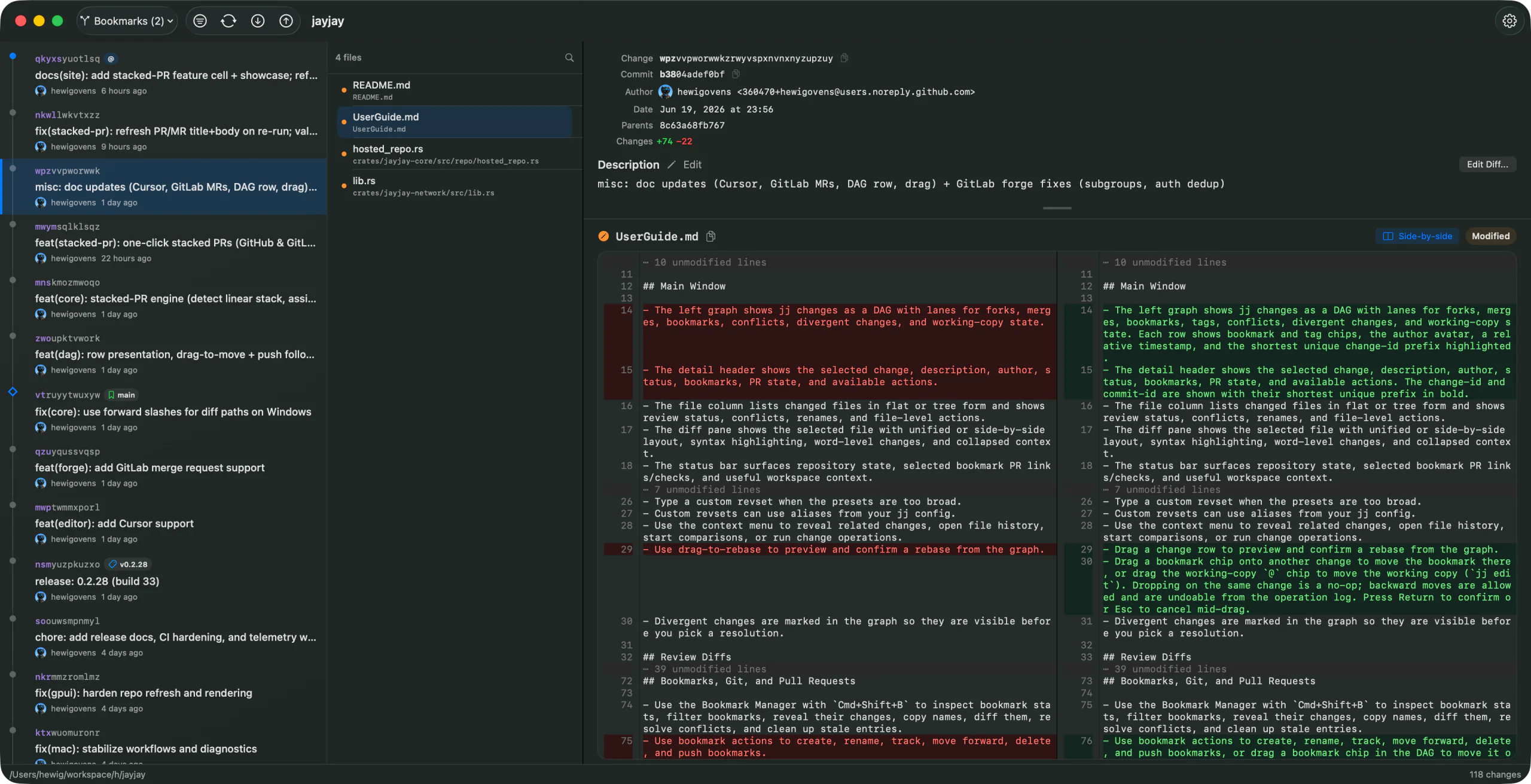
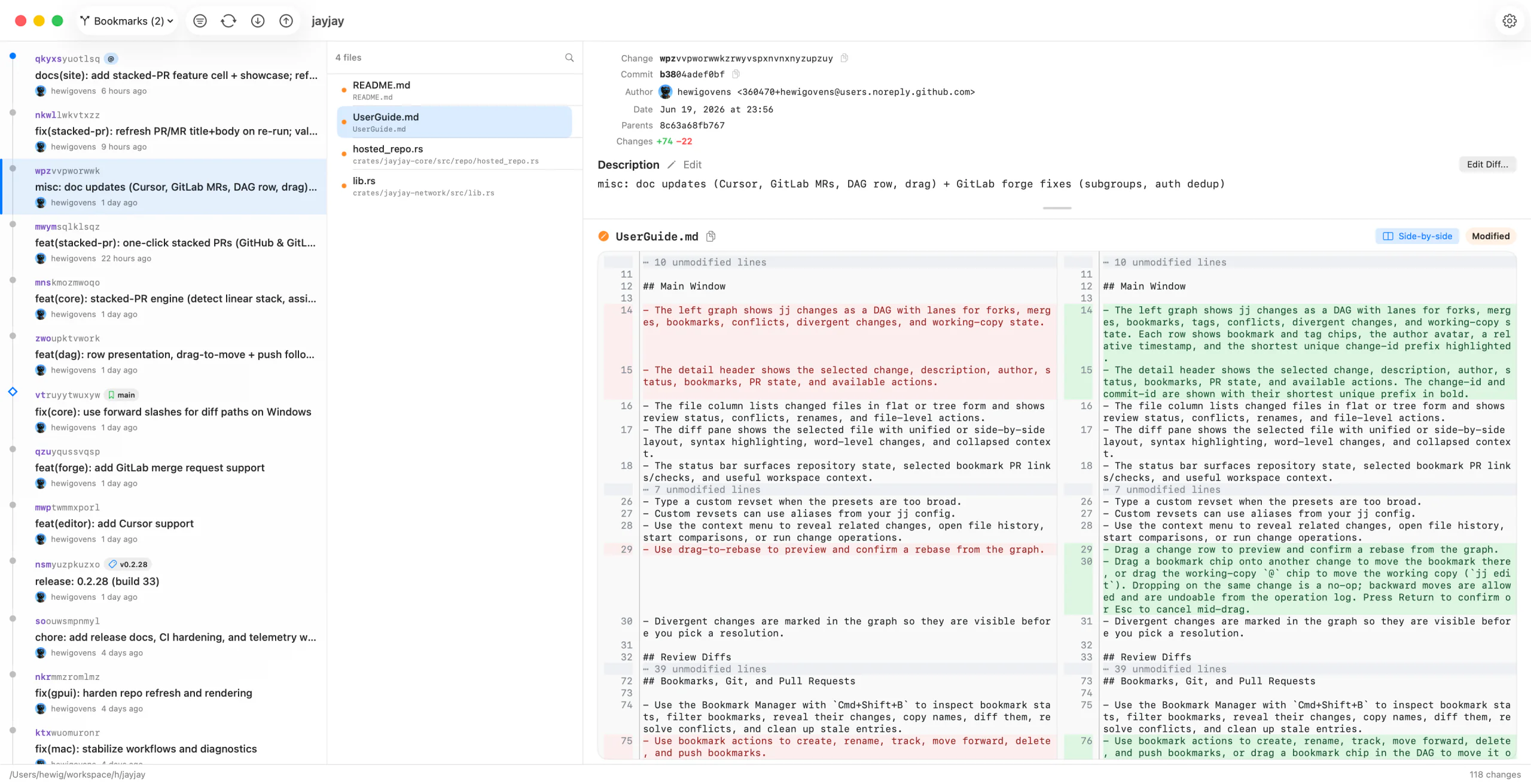
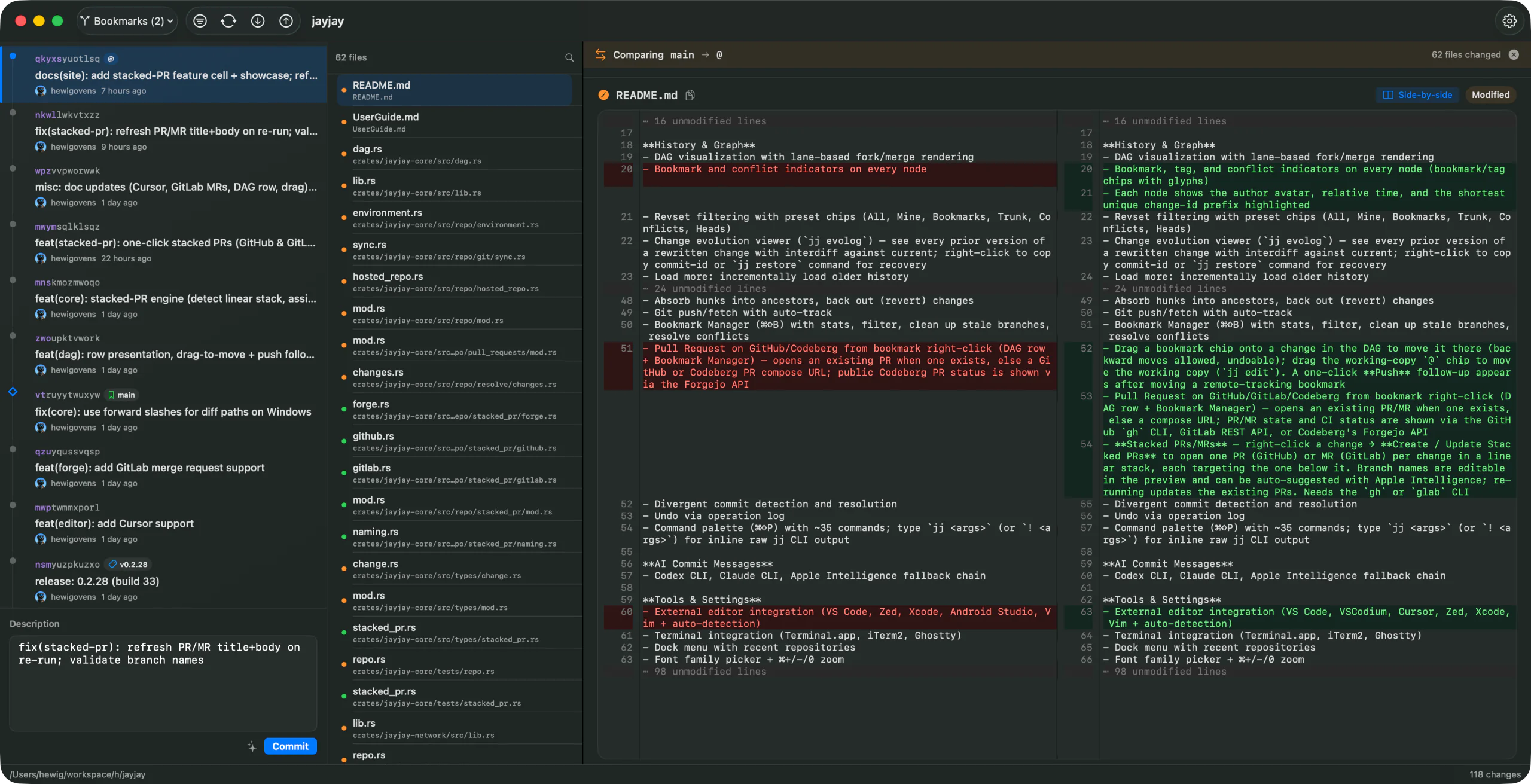
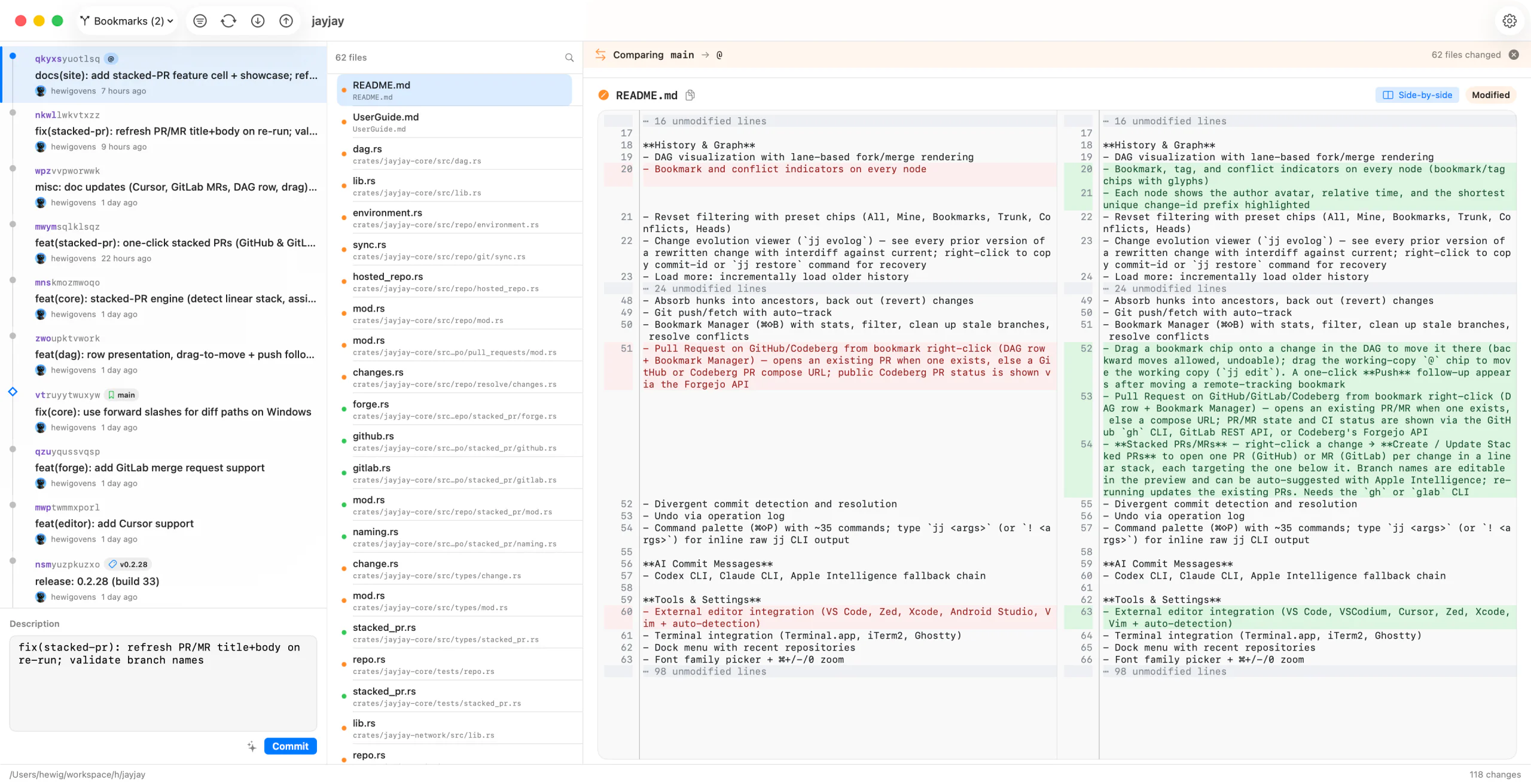
- The left graph shows jj changes as a DAG with lanes for forks, merges, bookmarks, tags, conflicts, divergent changes, and working-copy state. Each row shows bookmark and tag chips, name@ chips for other workspaces’ working copies, the author avatar, a relative timestamp, and the shortest unique change-id prefix highlighted. Conflicted bookmarks (
name??injj log) use an orange warning chip on every target change. - The detail header shows the selected change, description, author, status, bookmarks, PR state, and available actions. The change-id and commit-id are shown with their shortest unique prefix in bold. A long description shows its first 80 points and scrolls; Expand shows up to 320 points while the file list and diff stay visible, and the bold summary with its Edit button stays put while the body scrolls.
- The file column lists changed files in flat or tree form and shows review status, conflicts, renames, and file-level actions. On macOS, hide or show the history sidebar with the toolbar button, View menu, or
Control-Command-S. Drag the dividers to size the sidebar and file column; JayJay keeps those widths across launches and shrinks them in a smaller window so the diff pane keeps its room. - The diff pane shows the selected file with unified or side-by-side layout, syntax highlighting, word-level changes, collapsed context, and rich previews for supported formats.
- The status bar surfaces repository state, selected bookmark PR links/checks, and useful workspace context.
- Press Tab to move keyboard focus through the window: graph, file list and its controls, description, diff layout, edit buttons, toolbar, and the commit fields, wrapping at the end; Shift+Tab reverses. Space or Return activates the focused control, Esc returns to the pane, and the active pane draws a stronger selection.
Review Diffs #
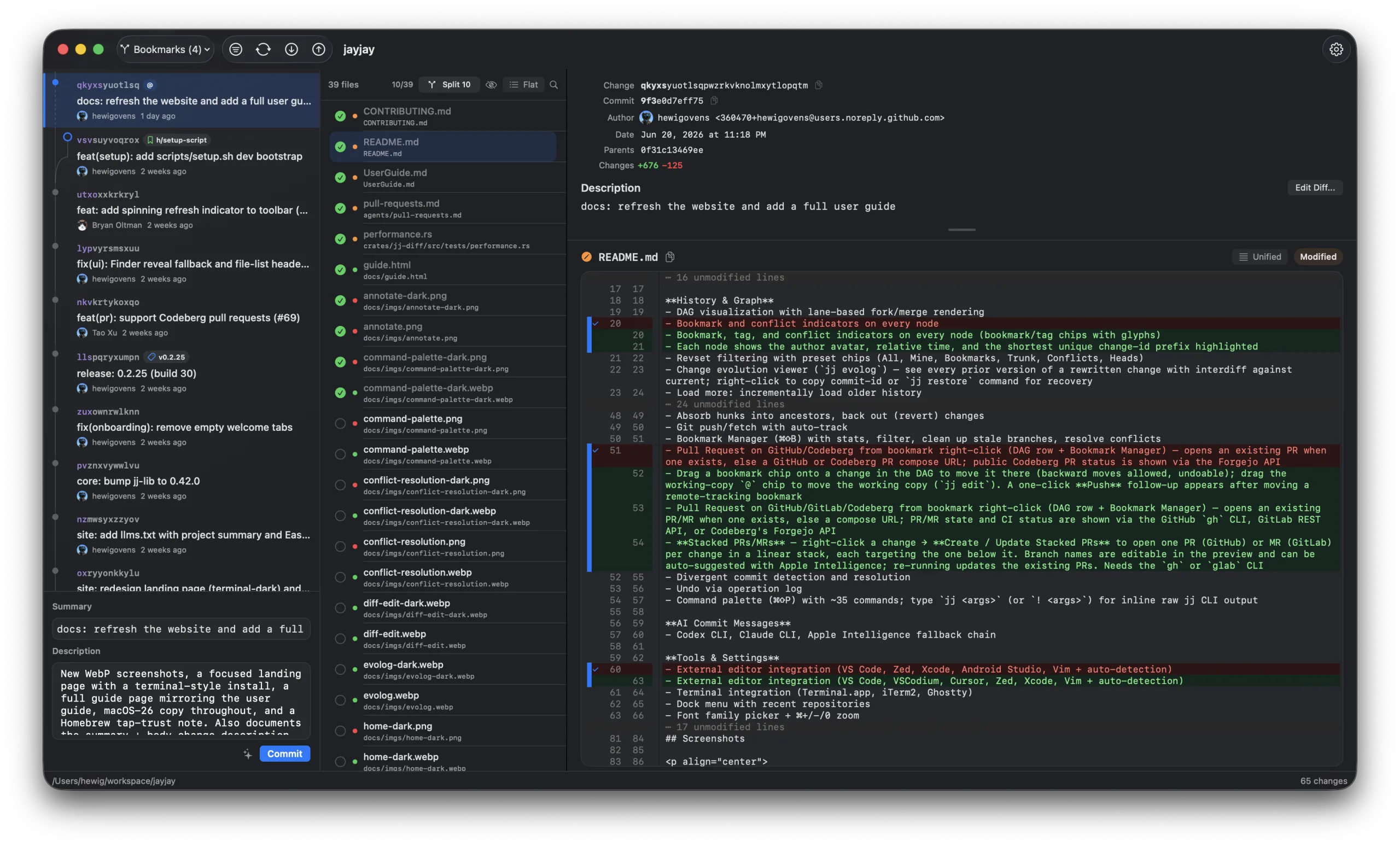
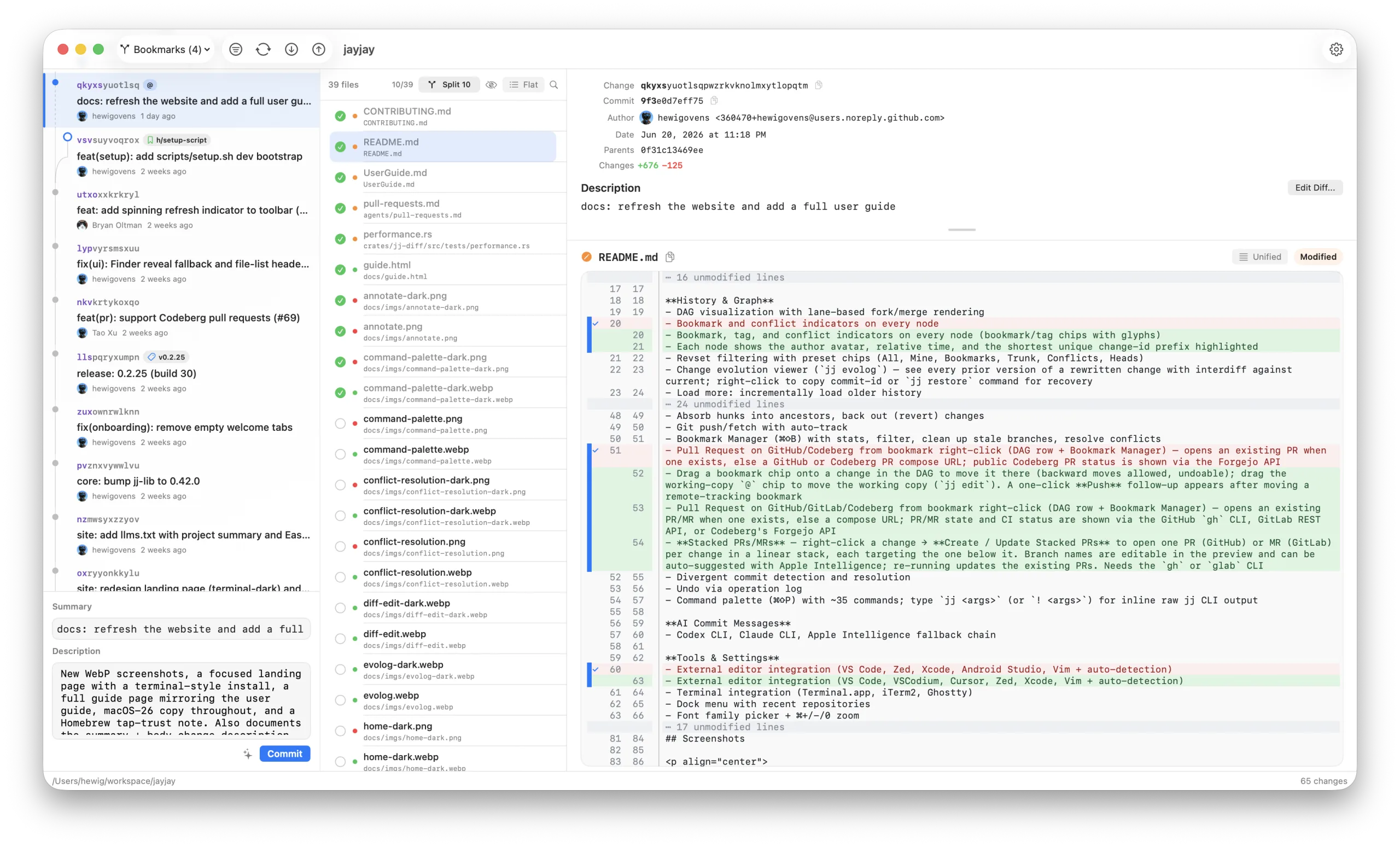
- Review your working copy like a pull request: step through the changed files and press
Spaceto tick each one off with its review checkbox. Hide reviewed files to focus on what's left, or filter the list by name;Escclears and closes the filter,Returnkeeps the query and hands the keys back to the list. - Toggle between unified and side-by-side diffs, and browse changed files as a flat list or a tree. The diff header shows the selected file's added and removed line counts.
- Use
Cmd+Fto search within the current diff. - Review state is local to your machine and survives app restarts. Click a changed group's gutter stripe to review that hunk; file rows roll up unreviewed, partial, reviewed, and changed-since-review state. Marks follow uniquely matching hunks across edits and rebases, so changing one hunk does not discard review work on the others. Files whose marks came from an agent (see Review Notes) show an agent badge and are counted in the reviewed-count tooltip until you take them over.
- Image files render as images where possible; drag the divider between the two versions to give either side more room and double-click it to reset. SVG files can be viewed as source or rendered output; the rendered view fits the image's own size and scales down to the pane.
- Supported rich previews include Markdown, SVG, HTML, notebooks, CSV/TSV tables, SARIF reports, and binary property lists. Text-backed files stay raw by default so diff review still works; click the rich preview icon to switch to the rendered view. Working-copy HTML files render inline in a sandboxed preview (scripts don't run); an external-open icon next to it still launches the file in the default app, so linked CSS and images work normally there too. Binary property lists open as XML with a banner, while plain XML property lists stay raw.
- Renames, collapsed context, and ignore-whitespace behavior are reflected in the diff view. In either diff layout, use Show 10 or Show all on an unmodified-lines row to reveal nearby context without leaving the file. Copying diff text excludes gutter line numbers.
- For a changed regular text file in the current working copy, use the gray pencil Edit button beside the diff layout control to open JayJay's syntax-highlighted editor in a large modal, leaving the diff detail intact underneath. Highlighting is ready when the editor appears, and long lines soft-wrap to the available width. Save with
Cmd+Sor cancel withEsc; JayJay refuses the save if that file or the working-copy change changed after the editor opened. Historical, compare-mode, conflicted, removed, projected, and image files stay read-only.
Review Notes #
- Leave line-anchored feedback while reviewing the working copy: right-click a changed line's gutter and choose Add Review Note. The editor shows a short diff excerpt around the anchored line; save with
Cmd+Return. - Saved notes render inline in the unified diff as an orange-outlined bubble directly below the annotated line, with an orange dot in the gutter's note column. Click the dot — or right-click the line again — to Edit, Resolve, or Delete the note.
- Files with active notes show an orange note count in the file list, and the header note badge filters the list to noted files.
- Notes anchor to the line's content. If the file changes underneath, the note turns stale and moves to a banner above the diff, together with orphaned notes whose anchor disappeared. Resolving a note keeps a dimmed gutter dot as a record.
- Notes are local to your machine, shared across app windows and the
jayjayCLI, and survive rebases of the change. They render in unified view; side-by-side shows the file's note count with a one-click Show in Unified. - Built for agent loops: review an AI agent's changes (or your own), leave notes on the lines that need work, then have the agent read them with
jayjay review notes --repo . --format jsonand resolve each withjayjay review resolve-note <id> --repo .once addressed. - Agents can annotate too:
jayjay review add-note --repo . --file <path> --line <n> -m "note"anchors a note to a changed line, and it appears in the diff view like any other note — a cleaner channel for review commentary than source-code comments. - Agents can also pre-review:
jayjay review status --repo .lists every changed file with its review state and the commit it inspected,jayjay review mark --repo . --file <path> --expected-commit <id>marks a mechanical file reviewed on the agent's behalf (add--line <n>to mark one change group), andjayjay review unmark --repo .drops every agent mark again. A mark is refused if the working copy changed since the inspected commit, an agent never takes over a group you reviewed, and your own marks on a file take it back. Every subcommand answers--help.
Compare Changes #
- Shift-click two graph revisions to compare them. When both have bookmarks, JayJay uses bookmark names in the compare banner.
- Use the compare direction control to switch the diff direction.
- Bookmark diff is useful for PR-style review: compare the main bookmark or fork point against a feature bookmark.
- Interdiff mode uses the same unified and side-by-side renderers, but hides working-copy review controls because the comparison is not a file-review session.
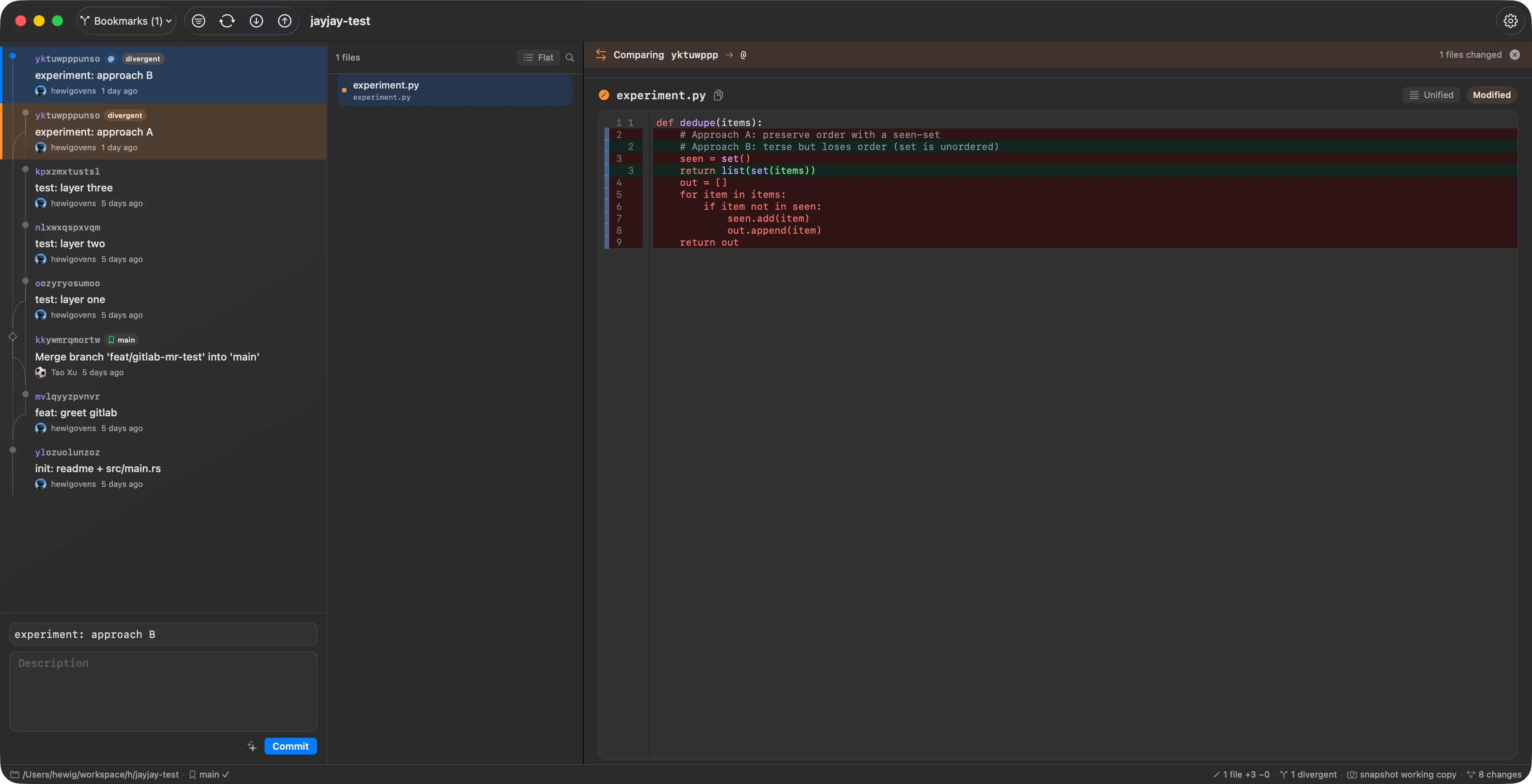
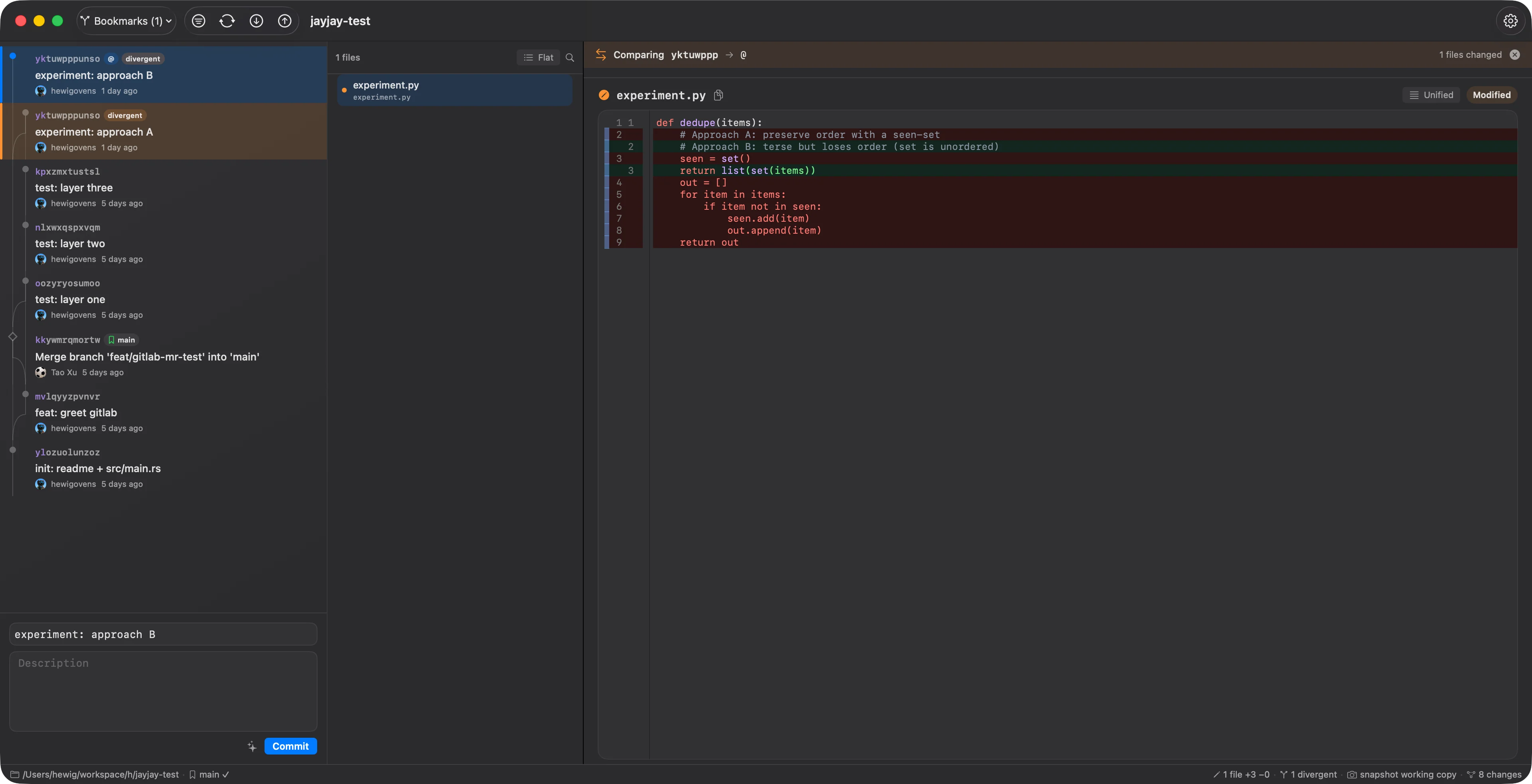
- Diff divergent changes: right-click a change marked divergent and choose Compare Divergent Versions to interdiff the two commits that share its change-id — so you can see which one is safer to abandon.
Edit Diffs & Split Work #
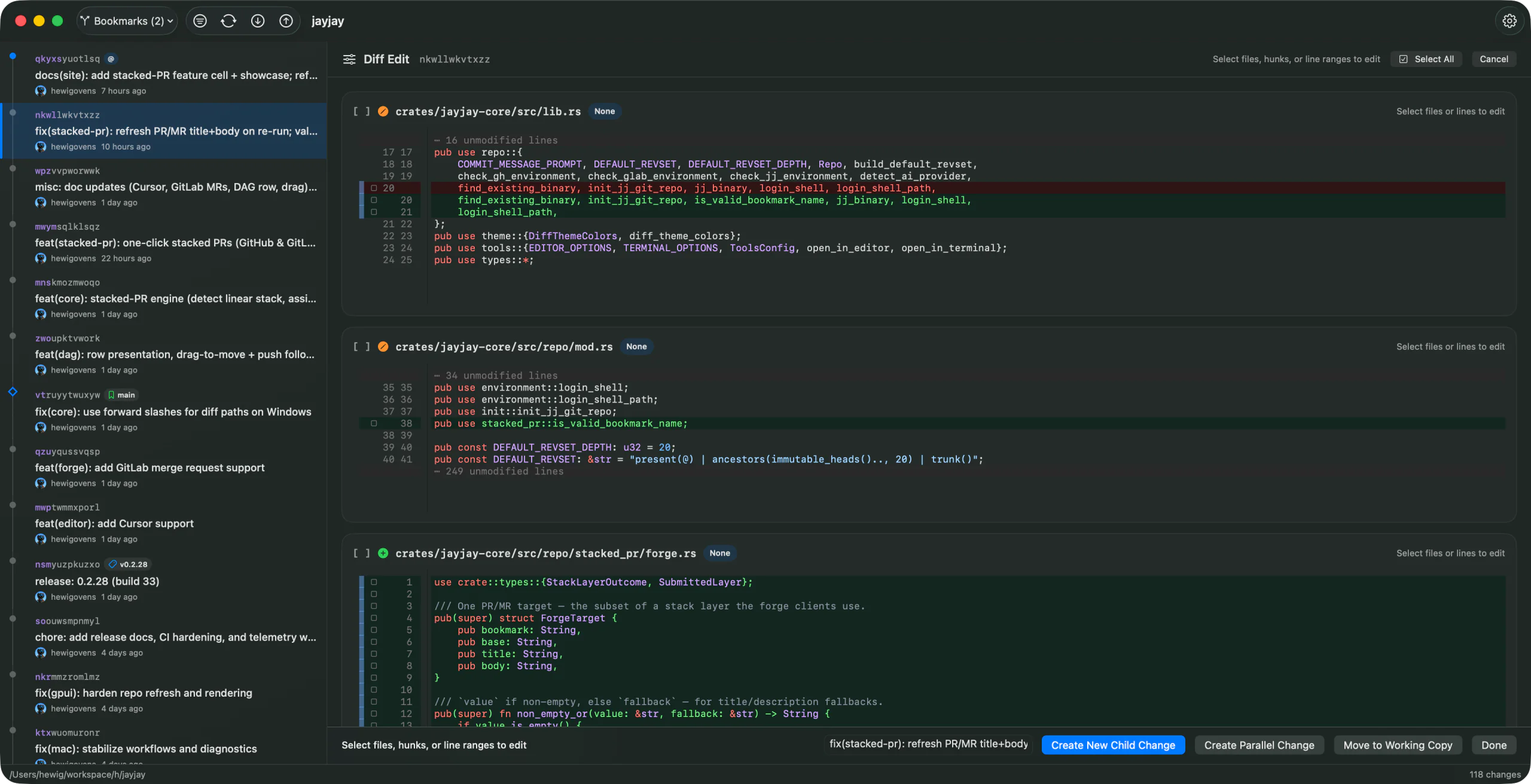
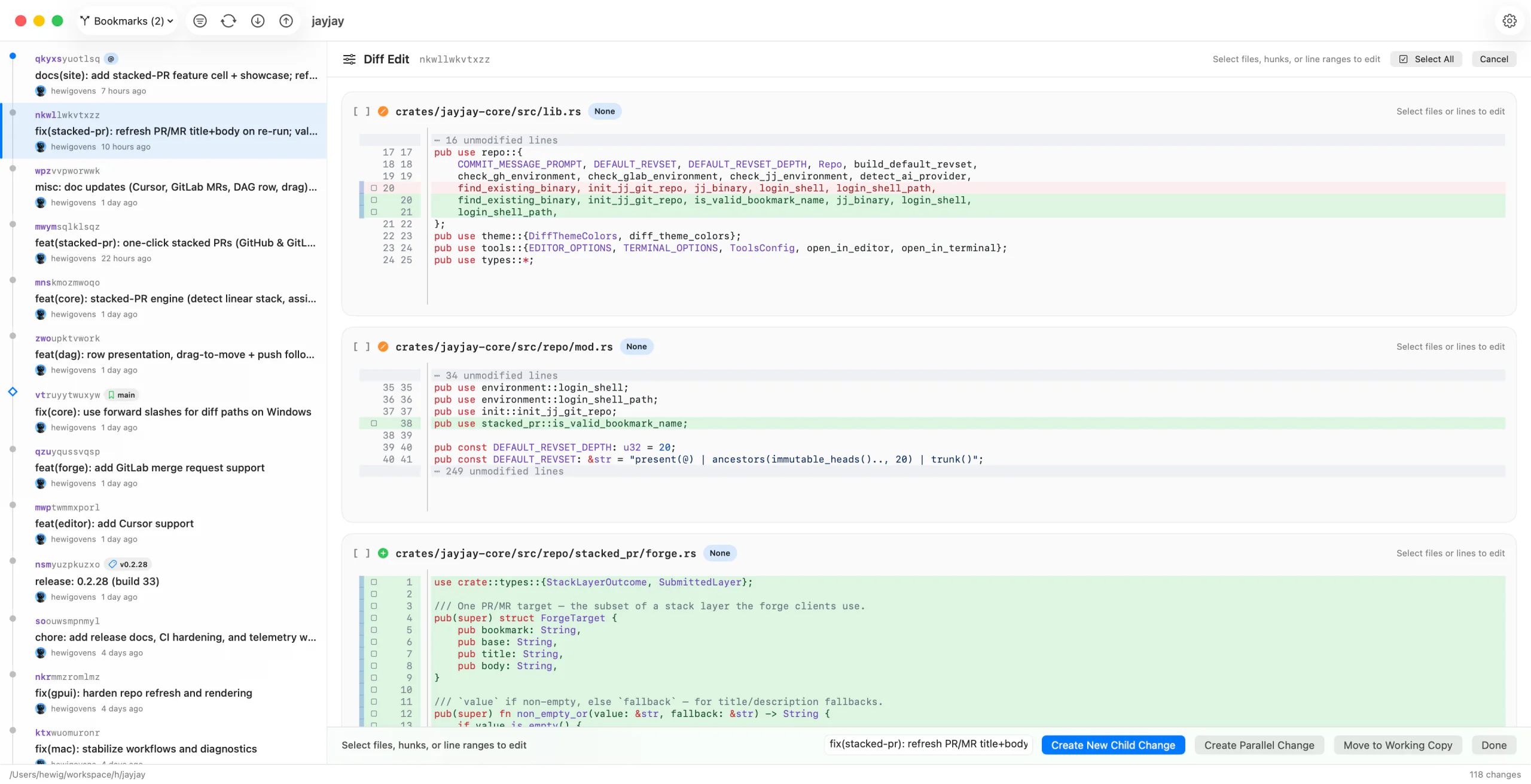
- Diff edit mode lets you select files, hunks, or line ranges from the working copy or another mutable change.
- Each file card shows its +/− line counts and collapses in place. Large diffs start collapsed so the file list stays scannable, and Expand All / Collapse All (Cmd+Option+E / Cmd+Option+C) toggle every file at once.
- The whole view is keyboard-driven: j / k or ↑ / ↓ move focus between file cards, ← / → collapse or expand the focused card, Return toggles it, and Space selects its changed lines.
- Selected edits can become a child change, a parallel change, or be moved into the working copy. Working-copy edits can be discarded at selected line granularity.
- Batch split can use reviewed files as the selection model. Split supports a parallel option when the selected edits should become a sibling instead of a child.
- From the file list, split selected files directly from any mutable change or move selected historical files into the working copy. Commit File and Delete from Disk remain working-copy-only actions.
- Topology-aware destinations preserve the intended jj graph shape when moving edits.
- JayJay can also be a blocking CLI diff tool.
jj split --tool jayjayopens the same multi-file, line-selectable editor;jj diff --tool jayjayandgit difftool --dir-diffopen read-only directory comparisons.
Change Operations #
- Edit a change description directly, or use the commit box to describe and commit the working copy. The box prefills from the working copy's existing description and preserves a typed draft when
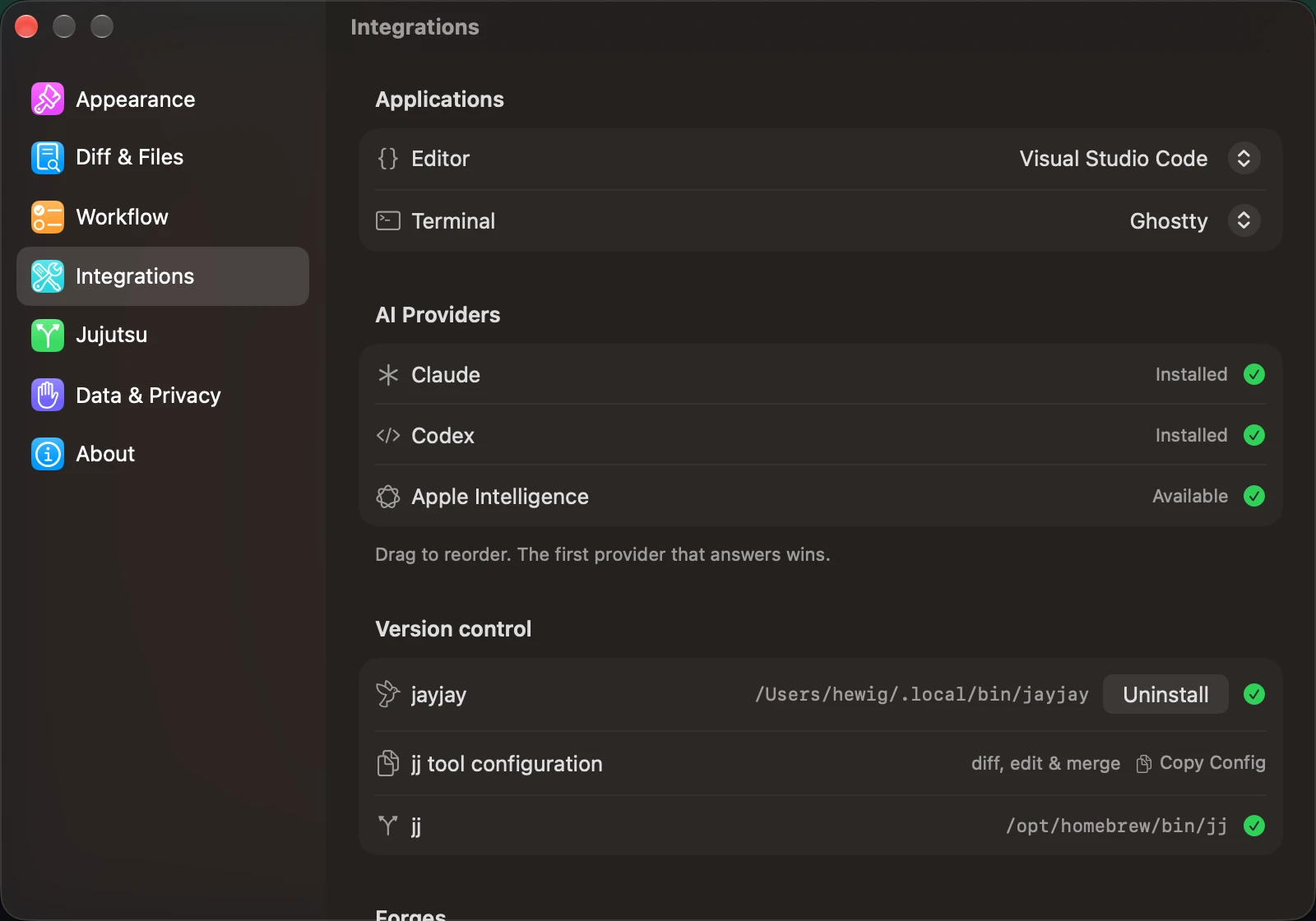
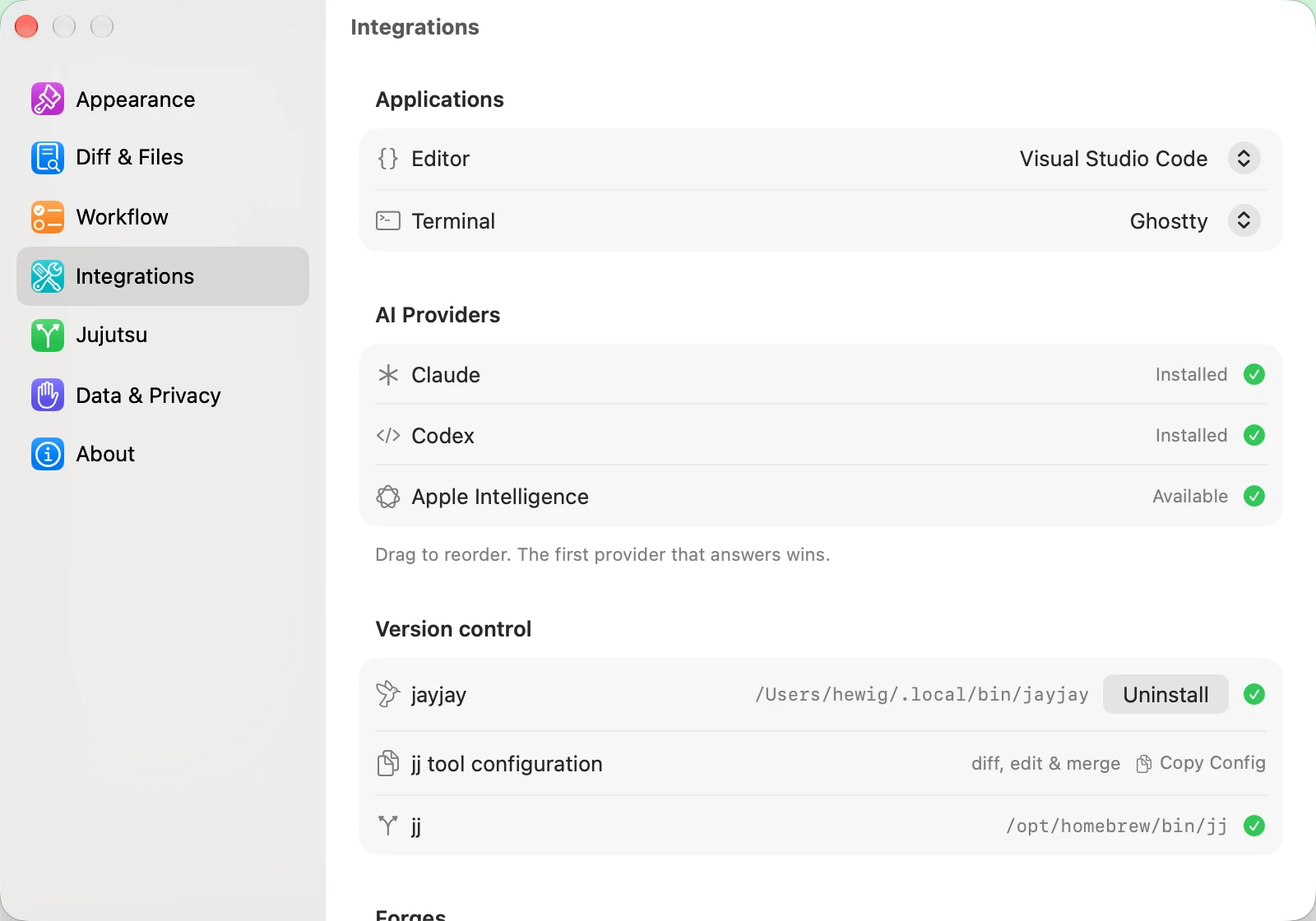
@moves to an empty change. The description dialog uses the same Summary and Description fields, keeps your working-copy draft, and leaves unchanged formatting and indented bodies as they are; an empty mutable change offers Add description. - Generate commit messages with Codex CLI, Claude CLI, or Apple Intelligence when available on macOS. On macOS, drag providers in Settings > Integrations to choose their fallback order.
- Create new changes on top of, before, or after a revision when its topology permits it; edit an existing change; squash into a parent or selected change; rebase or merge selected changes; abandon, duplicate, or absorb; and revert or back out changes.
- Restore files to parent content, or delete, ignore, and untrack working-copy files where applicable. Move selected files from any change into the working copy.
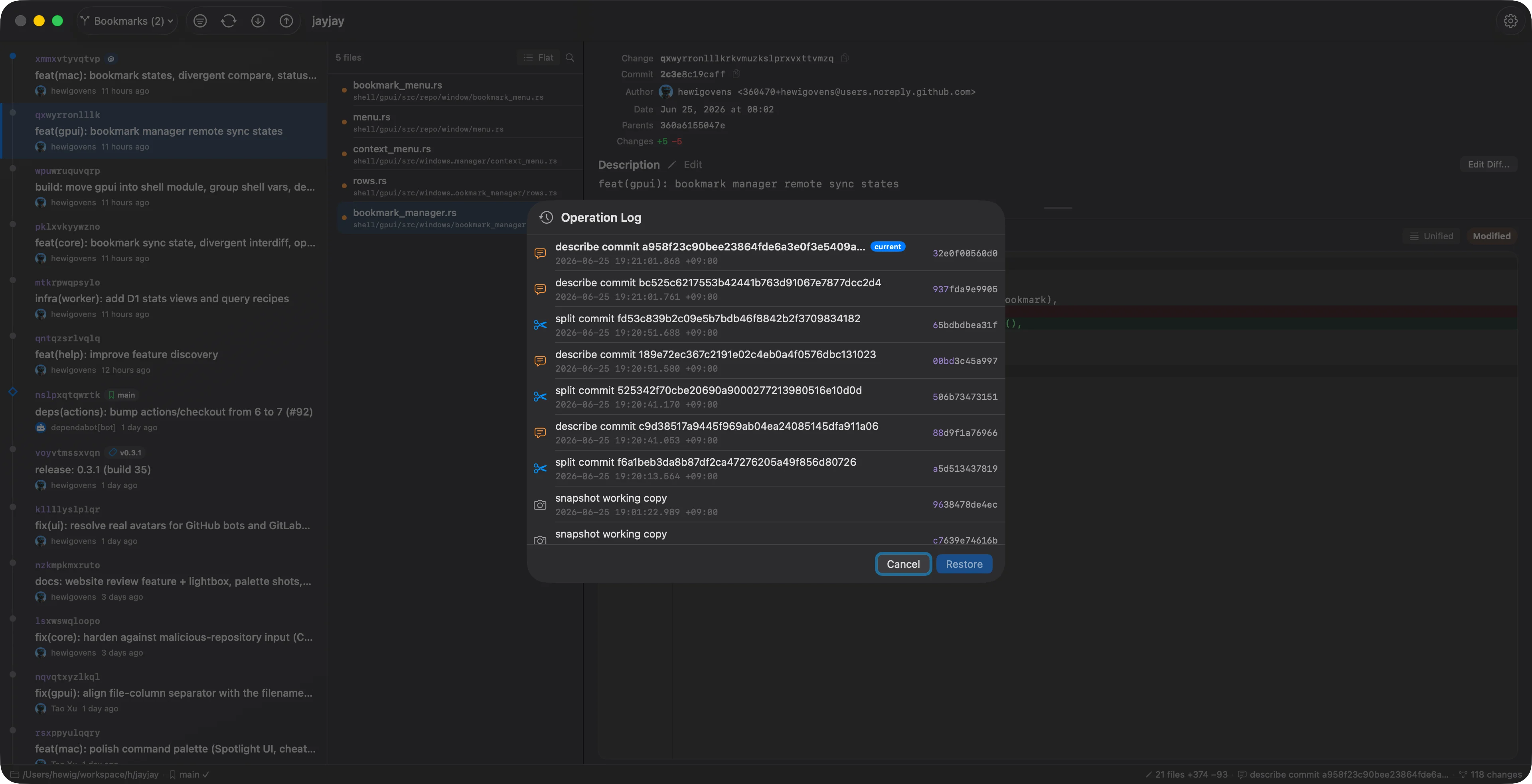
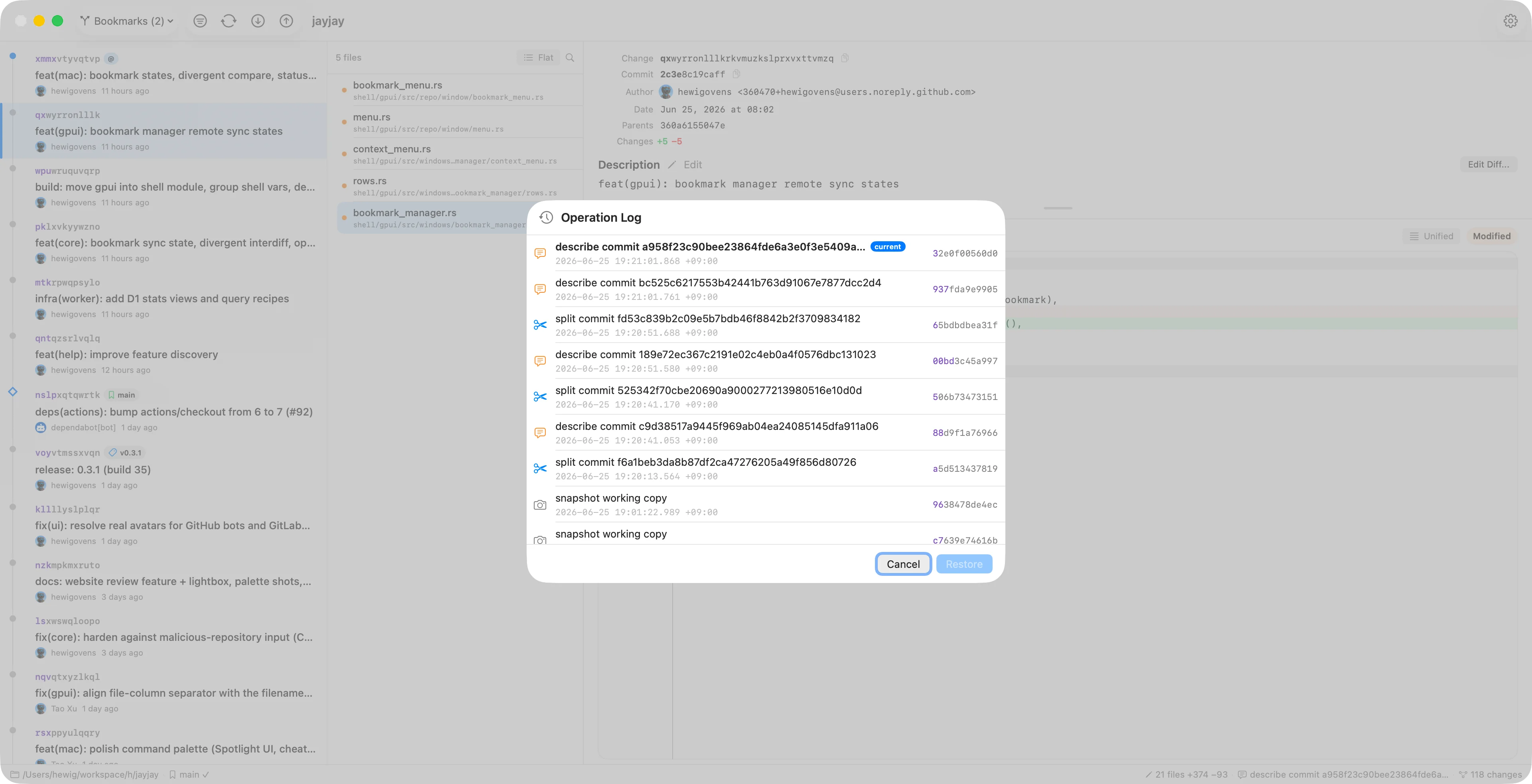
- Use Undo to inspect the jj operation log and roll back recent operations. JayJay shows lightweight toasts for completed actions and keeps the rest of the window usable when possible.
Bookmarks, Git & Pull Requests #
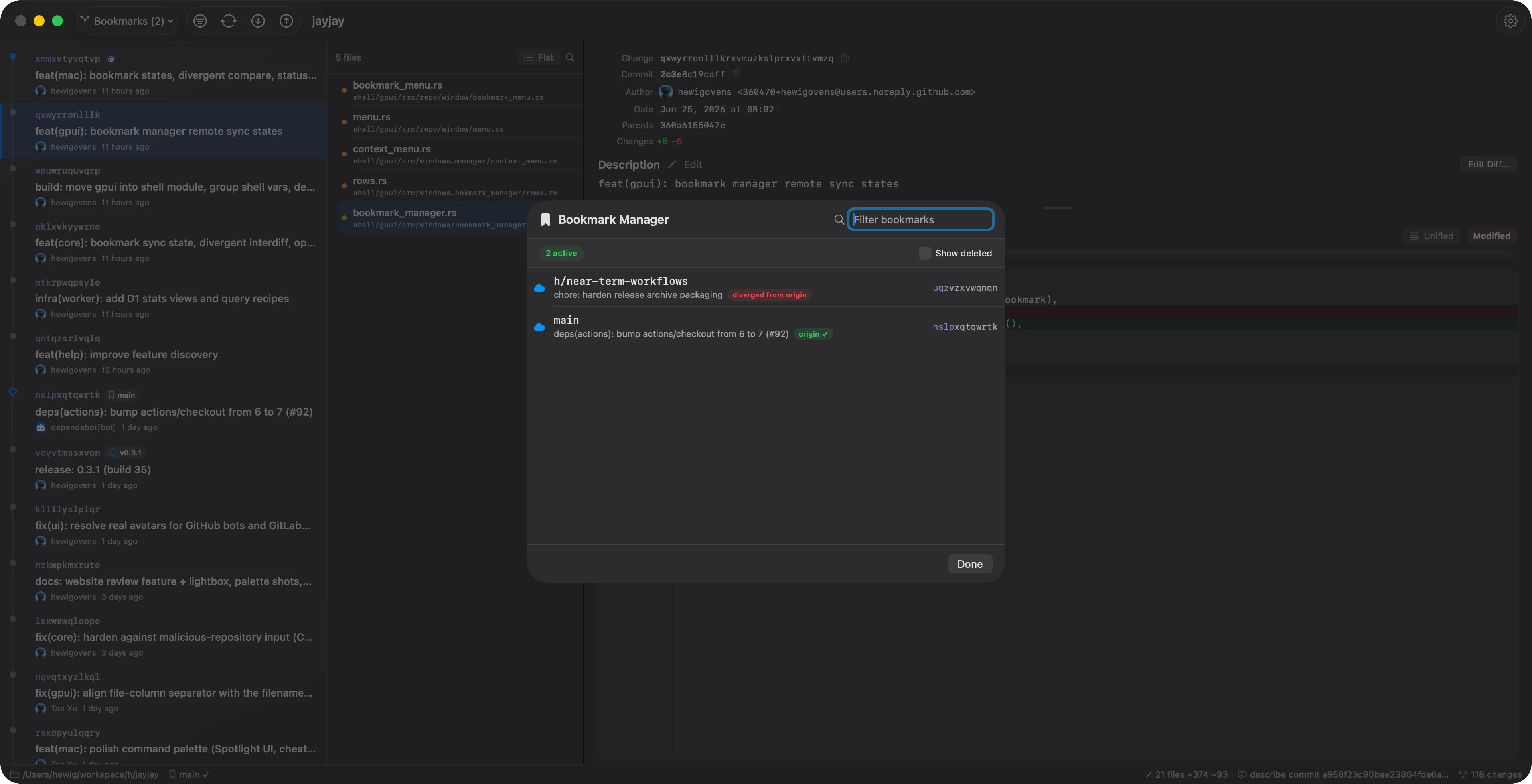
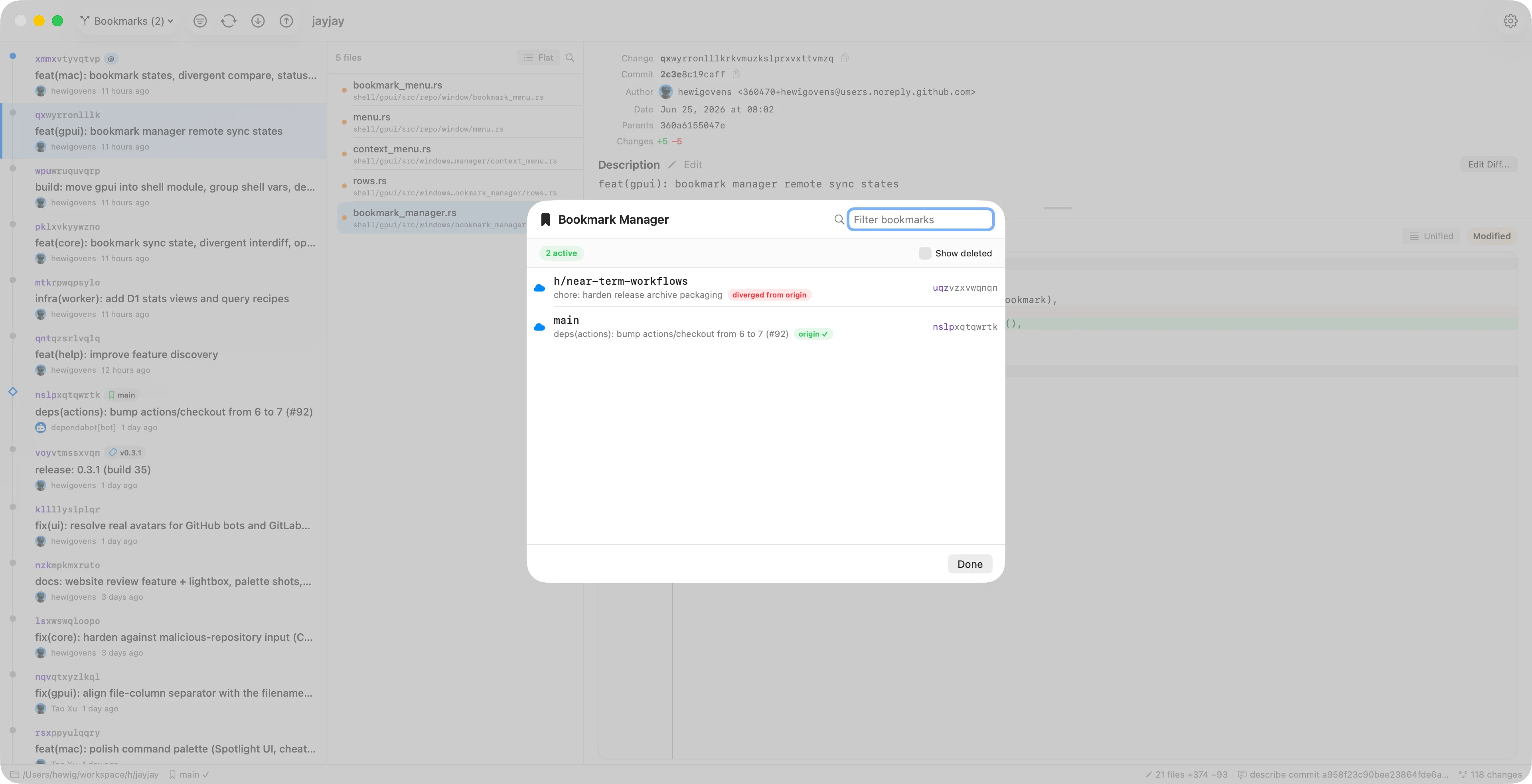
- Use the Bookmark Manager (
Cmd+Shift+B) to inspect bookmark stats, filter bookmarks, reveal their changes, copy names, diff them, and resolve conflicts. - Each bookmark shows its remote sync state per tracked remote: a green check when it matches the remote, or ahead / behind / diverged when the local bookmark and the remote ref point at different commits — hover to see where the remote sits. (The synthetic colocated
@gitremote is omitted as noise.) - Deleted bookmarks are hidden by default; toggle Show deleted to see them, then use Forget (clean up) to remove a leftover bookmark — including its colocated
@gitbranch. - Use bookmark actions to create, rename, track, move forward, delete, and push bookmarks, or drag a bookmark chip in the DAG to move it onto any change. On a conflicted DAG chip, Remove from This Change drops the bookmark from that change only; Bookmark Manager and the picker still delete every target.
- After moving a remote-tracking bookmark by drag, a one-click Push affordance appears in the sidebar so you can publish the move (it never pushes automatically).
- The toolbar bookmark picker groups bookmarks as Tracked, Local Only, and Remote Only; choose a remote-only bookmark to browse that remote's history without creating a local bookmark.
- Push and fetch Git remotes from JayJay. Pull and Push leave bookmark tracking alone: pushing a specific bookmark tracks it, and other tracking stays an explicit bookmark action.
- Right-click a bookmark in the DAG or Bookmark Manager to open a GitHub, GitLab, Codeberg, or Cursor pull/merge request. If a matching PR or MR already exists, JayJay opens it; otherwise GitHub, GitLab, and Codeberg open their compose pages. Cursor Origin has no compose URL, so Pull Request on Cursor creates an open PR with the authenticated
originCLI (title and body from the change description) and opens it. Iforiginis missing or logged out, JayJay opens the codebase repository page. If create fails — the bookmark is not on the remote, or the Origin repo is a GitHub mirror — JayJay shows the error instead. - The status bar can show the selected bookmark's PR/MR link and CI check status via the GitHub
ghCLI, the GitLab REST API, Codeberg's Forgejo API, or the Cursor OriginoriginCLI. Private GitLab projects use aGITLAB_TOKENenvironment variable. - Remote repository URLs can be opened in the browser, including
git@...URLs converted to HTTPS.
Workspaces #
- Create a new jj workspace from the Repository menu (New Workspace…) or the command palette: pick a destination folder and name, and JayJay runs
jj workspace addso you get a second working copy backed by the same repository. - Choose New Workspace from Pull Request… from the Repository menu or the command palette to check out a GitHub pull request: paste its URL, review the base repository, remote, bookmark, and head commit, then adjust the workspace name and location and let JayJay fetch the head and create the workspace. It adds the fork as a remote when needed, stops if the pull request moved since the preview, and offers to open the existing workspace instead of importing the same pull request twice. GitLab and Codeberg links are recognized but not yet supported.
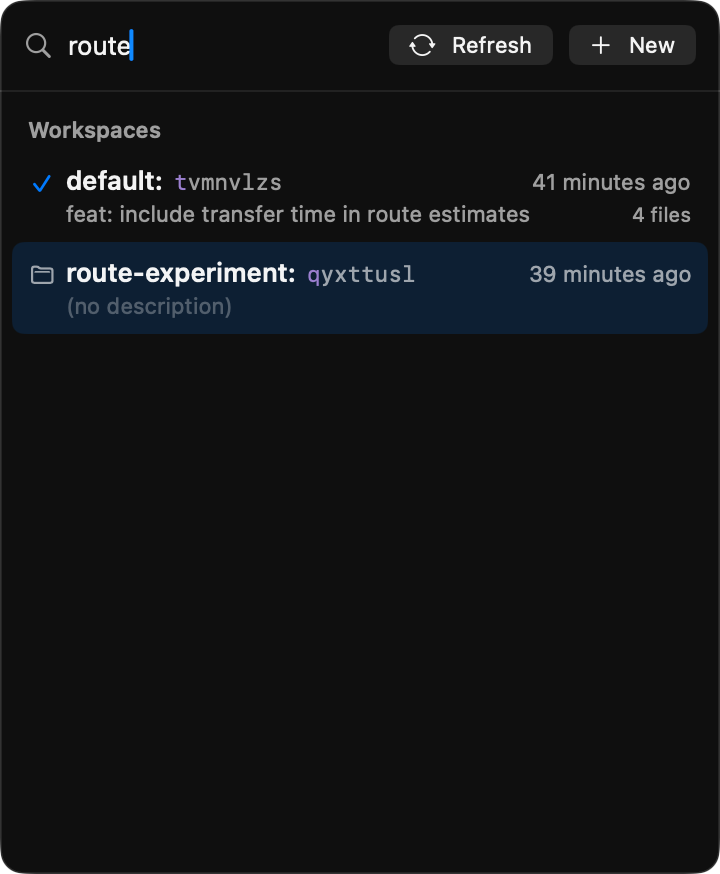
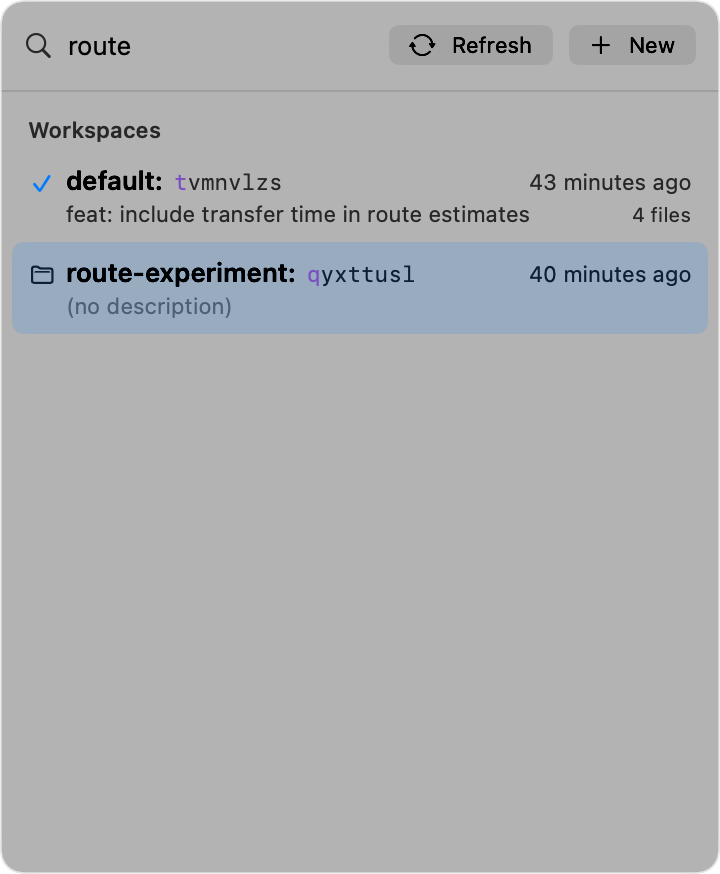
- Click the repository title to search and switch between this repository's workspaces, other open windows, pinned repositories, and recent repositories. The picker can refresh the workspace list without refreshing the whole window; command-palette Switch to… actions remain available.
- Workspace rows identify the current checkout and show each working copy's change-id, description, conflict state, age, and changed-file count. Other workspaces also appear as
name@chips on their working-copy changes in the DAG; right-click a chip to open that workspace in a new window or copy its name or path. - Use a workspace row's context menu to open it, copy its name or path, Forget Workspace while leaving its directory intact, or Forget & Delete from Disk after confirmation; tick Don't ask again to skip it, and Settings → Workflow brings it back. JayJay closes every window for that workspace before deletion and never deletes a replacement directory that appeared at the same path.
- The Repository List groups recent sibling-workspace checkouts beneath their primary repository, so related working copies stay together instead of looking like unrelated repositories.
Stacked Pull Requests #
Turn a linear stack of changes into one PR (GitHub or Cursor Origin) or MR (GitLab) per change, each targeting the one below it.
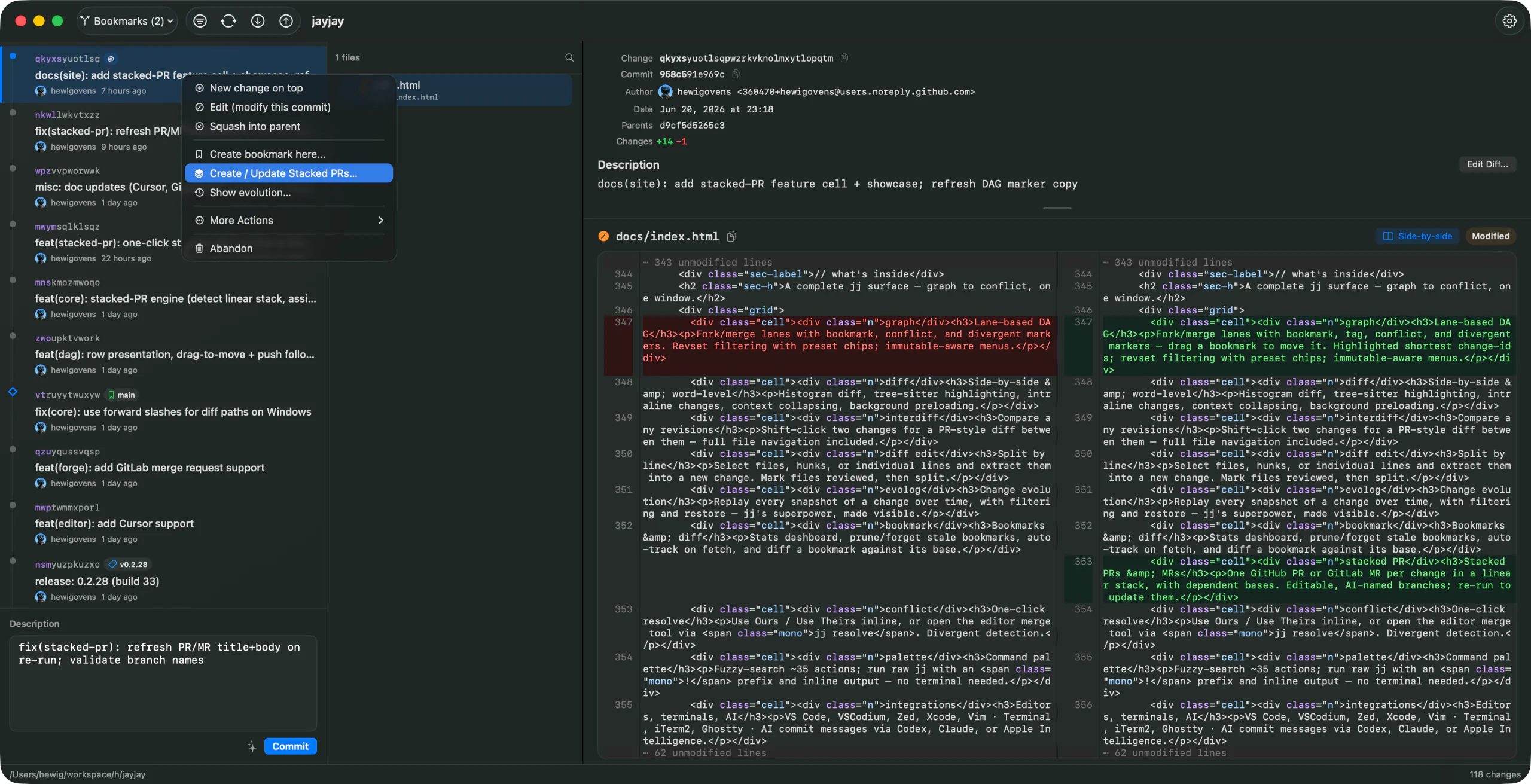
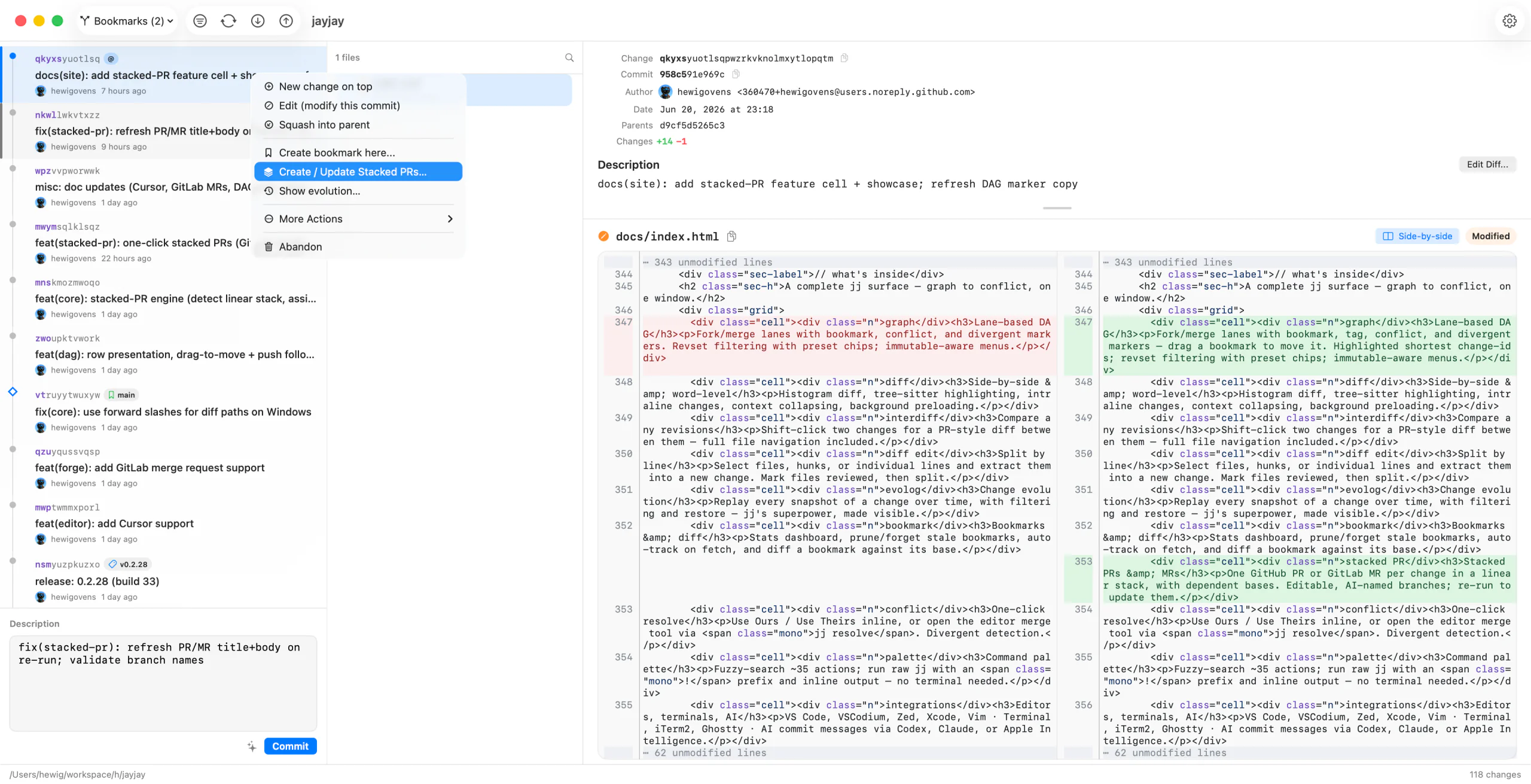
- Right-click the tip change in the DAG and choose Create / Update Stacked PRs. Whatever change you click becomes the top of the stack; everything from just above
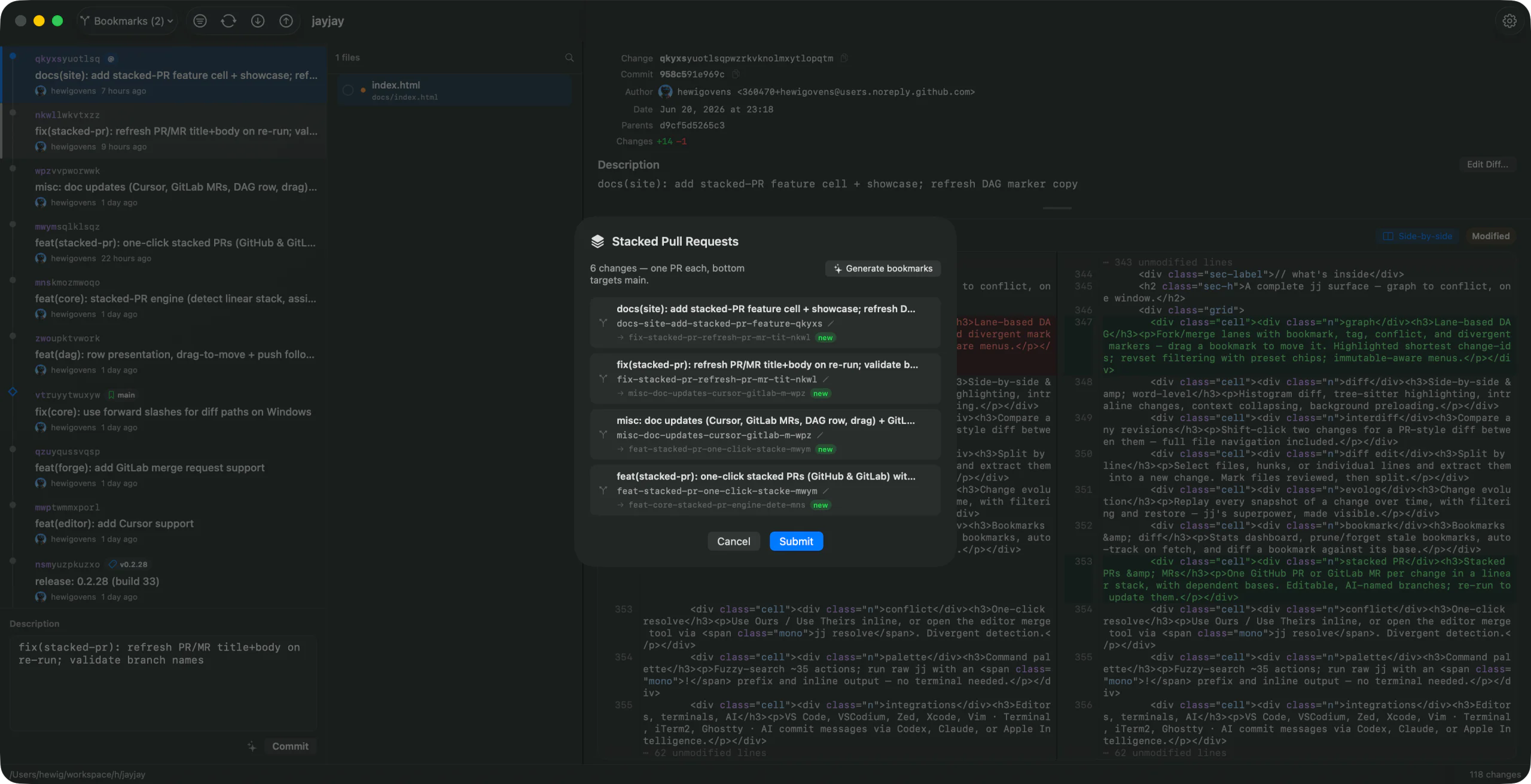
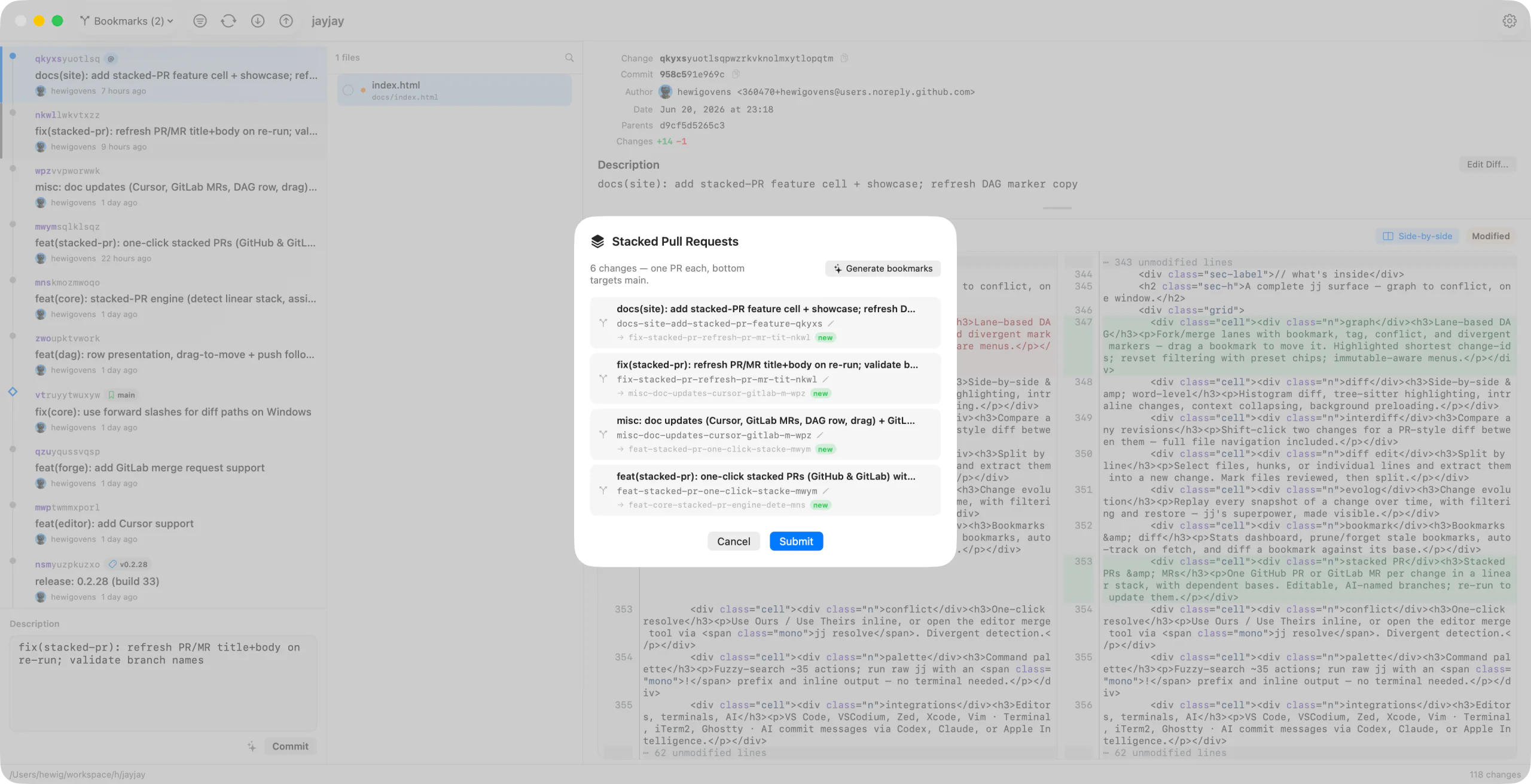
trunk()up to it is included. - The preview shows one row per change — bottom-first targeting your default branch (
main), each higher one targeting the bookmark below it. Each row's branch name is editable (pencil → edit → Done); when Apple Intelligence is available, Generate bookmarks suggests names from the commit messages. Existing bookmarks are reused unchanged. - Submit pushes every bookmark at once, then creates or updates the PRs/MRs with their dependent bases. Done opens the top PR for a linked GitHub stack, always opens the highest submitted GitLab MR, and opens each submitted PR if GitHub native linking falls back. Re-running is idempotent — bookmarks anchor on the change-id, so it updates the same PRs/MRs and stack instead of duplicating.
- GitHub native stacks: JayJay uses the standard
gh apicommand; no extension is required. If GitHub Stacked PRs is not enabled for the repository or rejects the chain, the dependent PRs remain usable and the result explains that native linking was skipped. - GitLab stacks: GitLab detects the dependent MR chain automatically and shows a stack navigator in each MR; no separate linking request is required.
- Cursor Origin stacks: Origin is still early beta. JayJay submits dependent pull requests with the
originCLI the same way it does for GitHub/GitLab. - Merging: for ordinary GitHub PR chains, GitLab MRs, and Cursor Origin PRs, merge bottom-up (the one targeting
mainfirst). After each merge, runjj git fetchand Create / Update Stacked PRs again to retarget the remaining layers. If GitHub has linked the PRs into a native stack, use GitHub's stack controls; merging a PR also merges every unmerged layer below it, then GitHub rebases and retargets the remainder. - JayJay requires an authenticated
ghCLI (GitHub),glabCLI (GitLab), ororiginCLI (Cursor Origin). The forge is taken from the repo'soriginremote; Codeberg is not yet supported for stacked submission.
Conflict Resolution #
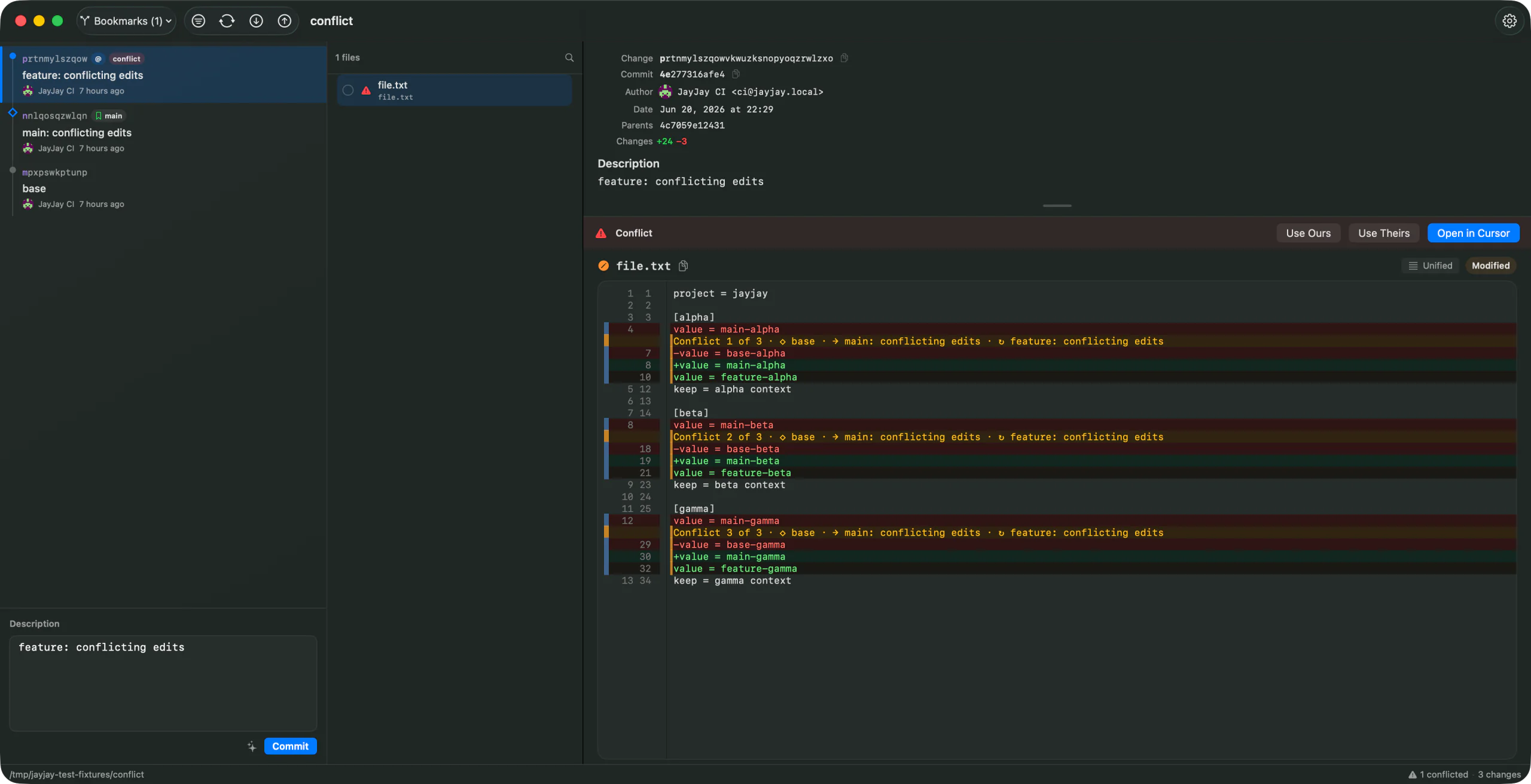
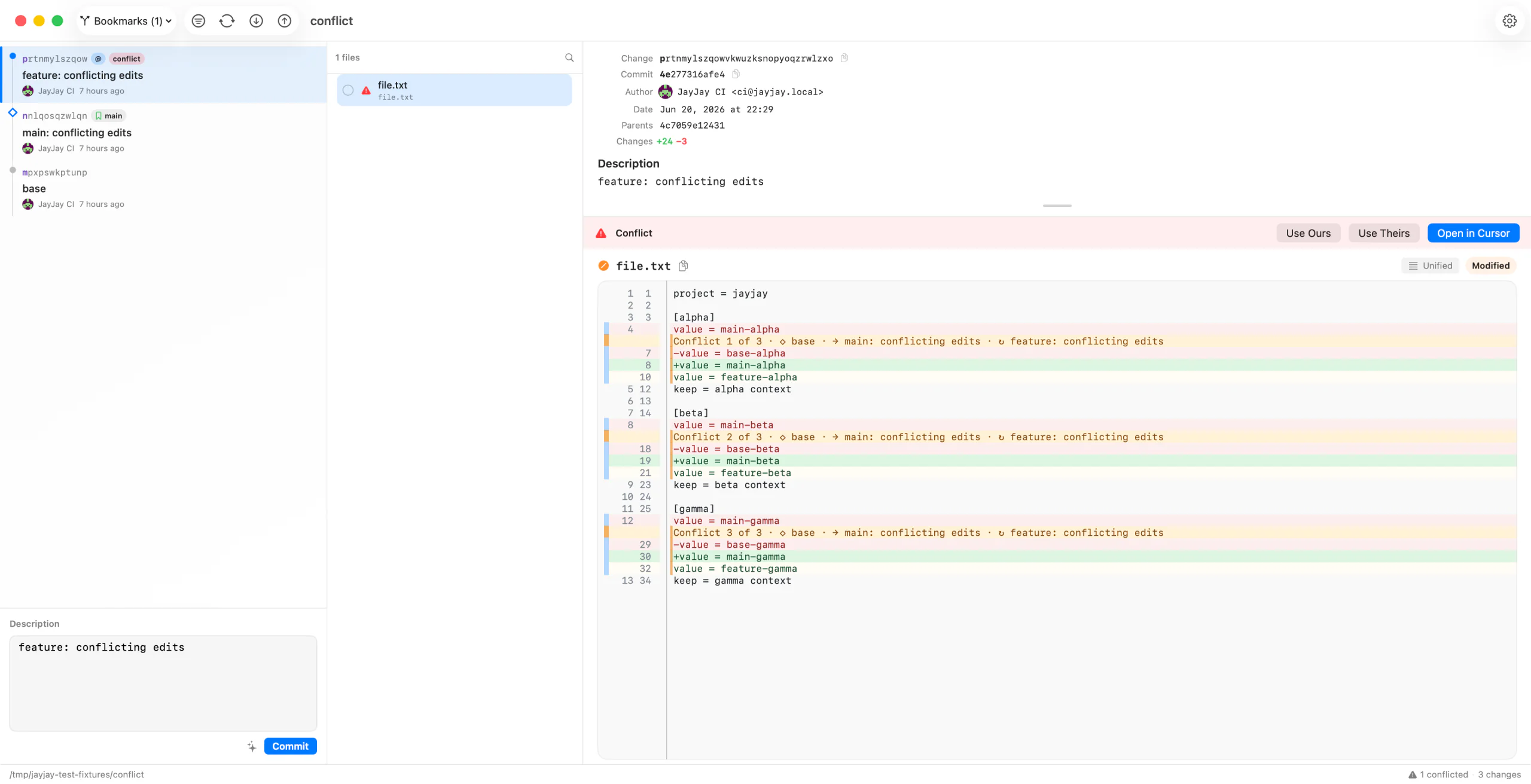
- Conflicted changes and files are marked in the graph and file list.
- The conflict bar offers one-click Use Ours and Use Theirs actions when the file can be resolved that way.
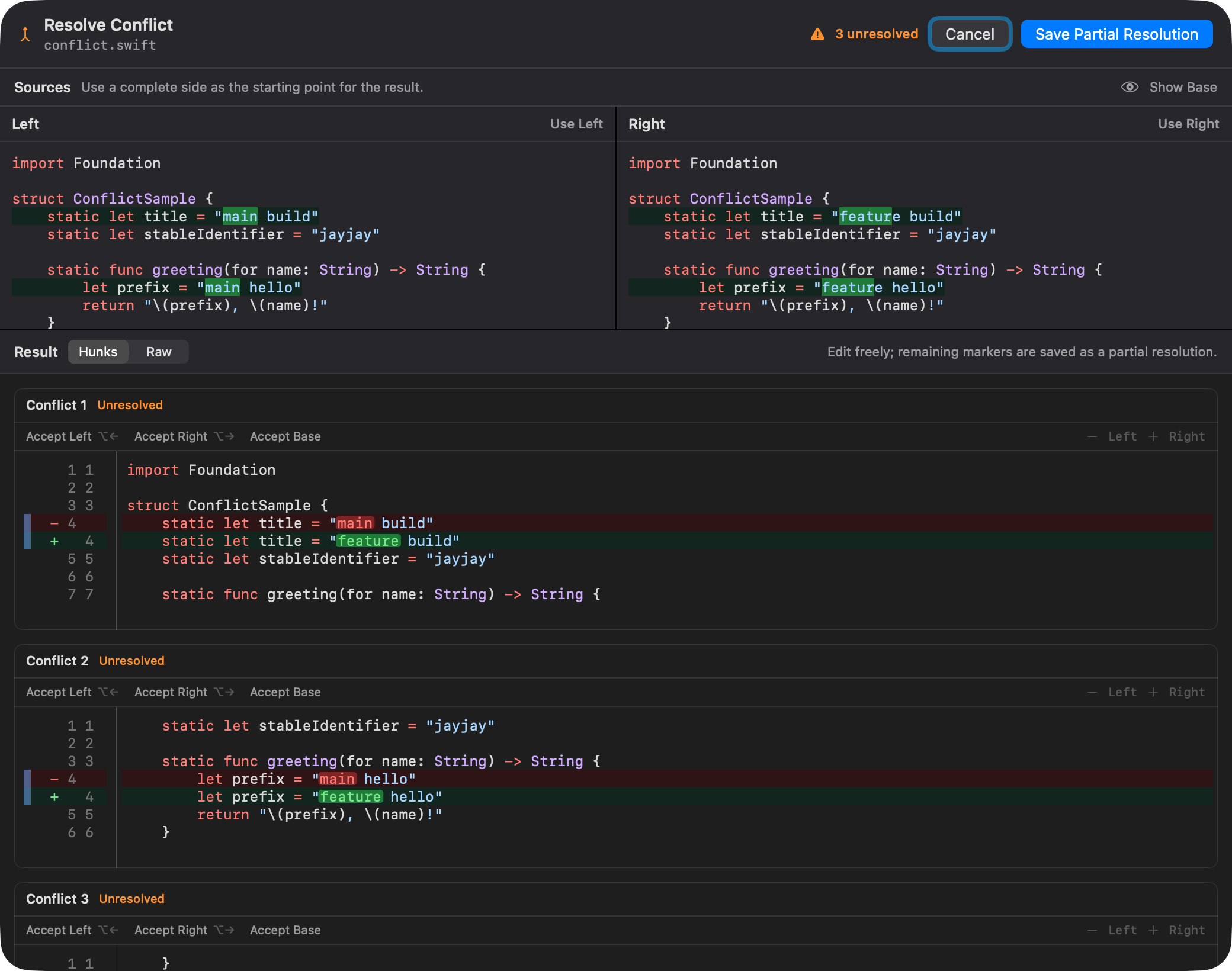
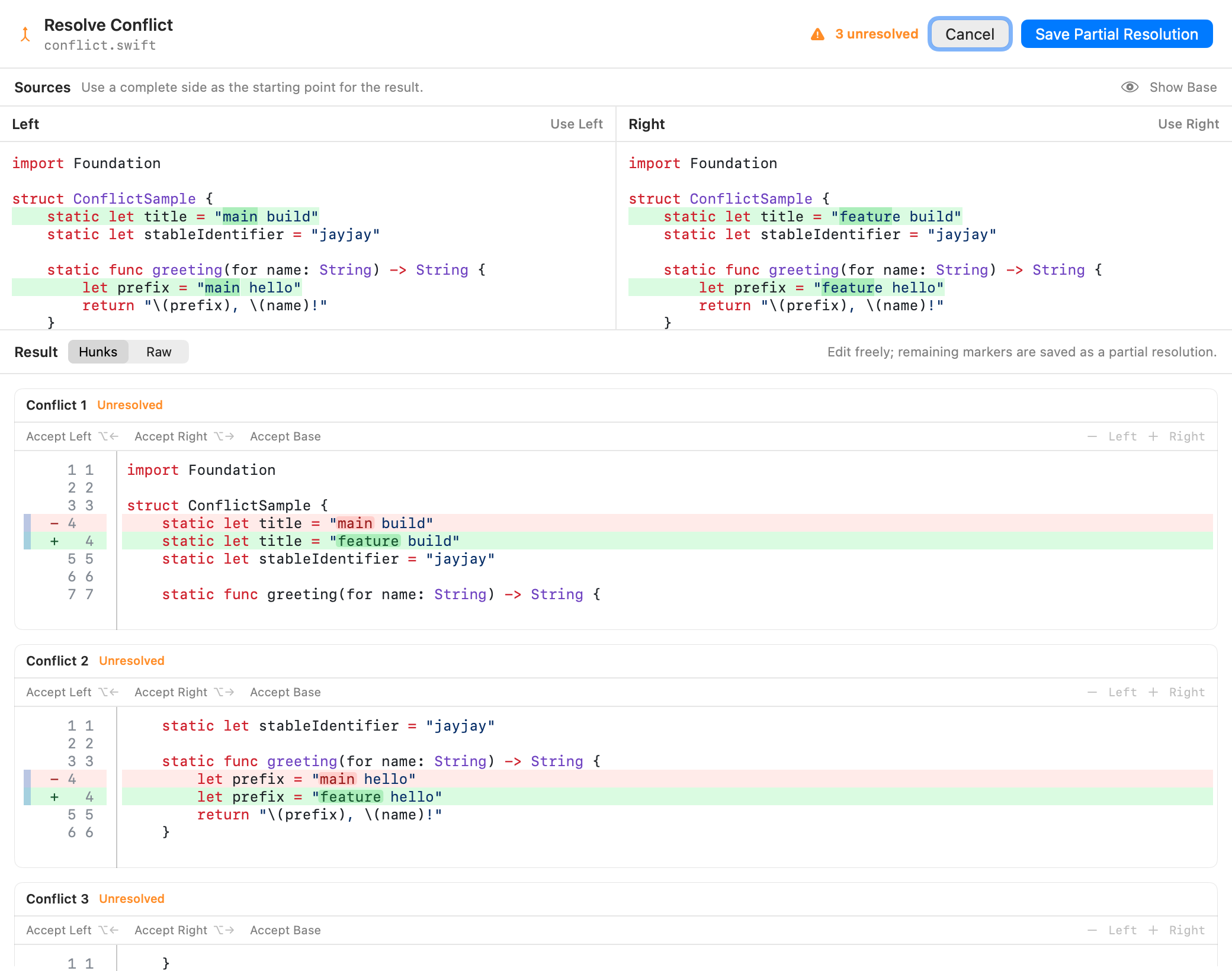
- Edit in JayJay opens a large, soft-wrapping, syntax-highlighted modal over the current detail. Two-sided conflicts show Base-relative, diff-highlighted Left and Right sources on top with the editable Result below, and switch the source area to a full-width Base on request. Source and result panes scroll together, with the pane you scroll leading the others, and selecting or accepting a conflict brings it into view in every pane. N-way jj conflicts remain editable through their markers, and partially resolved output can be saved when more work remains.
- Edit in JayJay uses the same large merge view for repository and CLI tool sessions. Hunk mode shows each two-sided conflict once as a unified Left-to-Right diff, with quiet Accept Left, Accept Right, and Accept Base links, hover help, syntax-aware non-editable
-/+gutters, and Option-Left/Right shortcuts. Raw mode switches to direct marker editing. - Resolve in Editor is a separate, explicit handoff to configured merge editors such as VS Code or Zed.
- JayJay refreshes after resolution so the graph and file list reflect the new repo state.
To use JayJay from jj everywhere, run jayjay config for the paste-ready tool definition, or choose Copy Config in Settings → CLI, then add it to your jj config.
Then use jj -R /path/to/repo diff --tool jayjay for a read-only comparison, jj -R /path/to/repo split --tool jayjay for interactive diff editing, or jj -R /path/to/repo resolve --tool jayjay path/to/conflicted-file for conflict resolution. jj edit selects the working-copy revision and does not accept a diff tool. The diff and split commands also work with jj's default two-path invocation, so the explicit diff-args and edit-args are optional.
JayJay also accepts Git's custom diff and merge contracts:
[diff]
    tool = jayjay
[difftool "jayjay"]
    cmd = jayjay tool diff "$LOCAL" "$REMOTE"
    prompt = false
    trustExitCode = true
[merge]
    tool = jayjay
[mergetool "jayjay"]
    cmd = jayjay tool merge "$LOCAL" "$BASE" "$REMOTE" "$MERGED"
    trustExitCode = true
Use git difftool --dir-diff for one multi-file comparison or git mergetool for conflicts.
Inspection Tools #
- File Annotate shows blame information with a syntax-highlighted gutter and lets you navigate to the responsible change.
- File History lists revisions that modified the selected file.
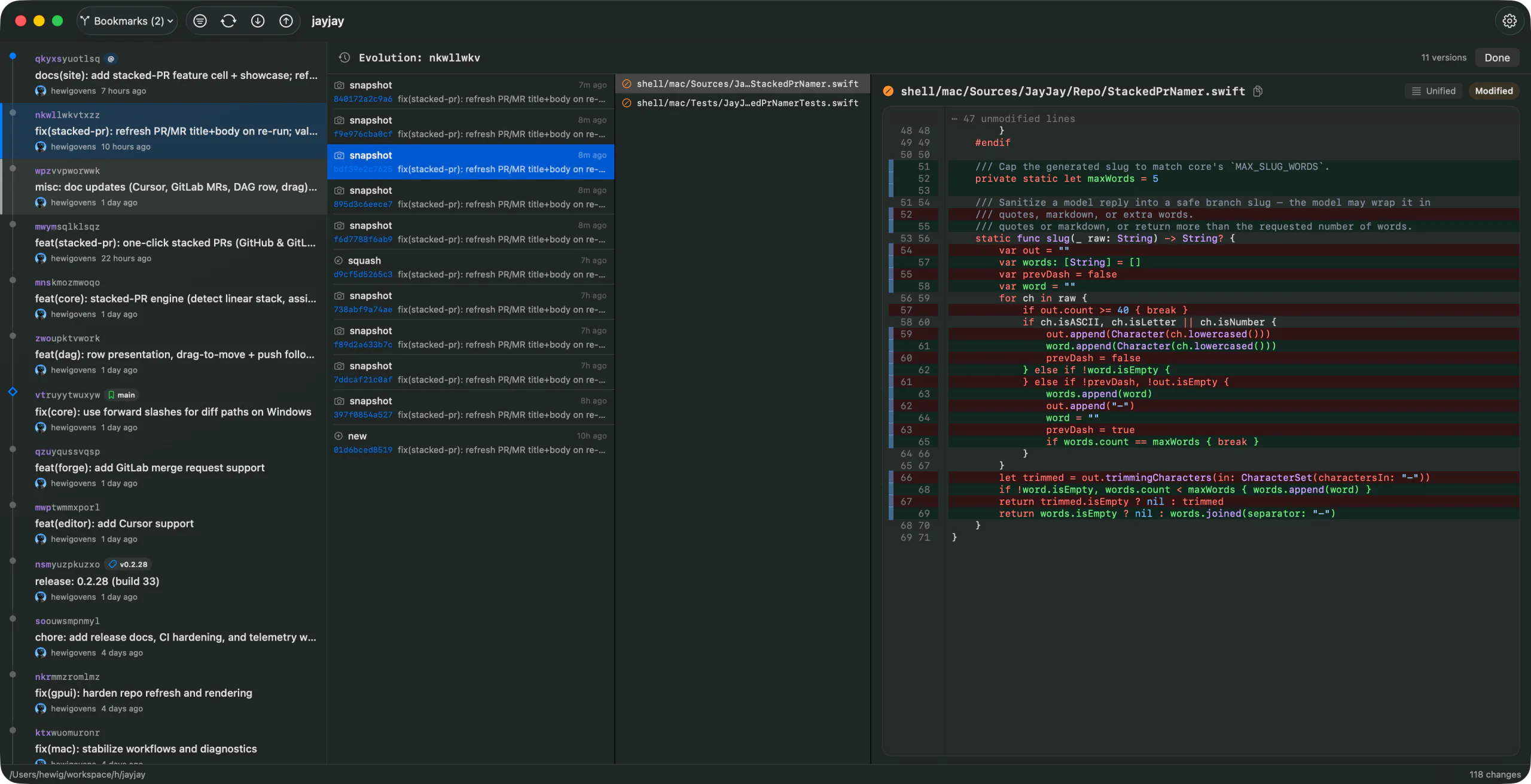
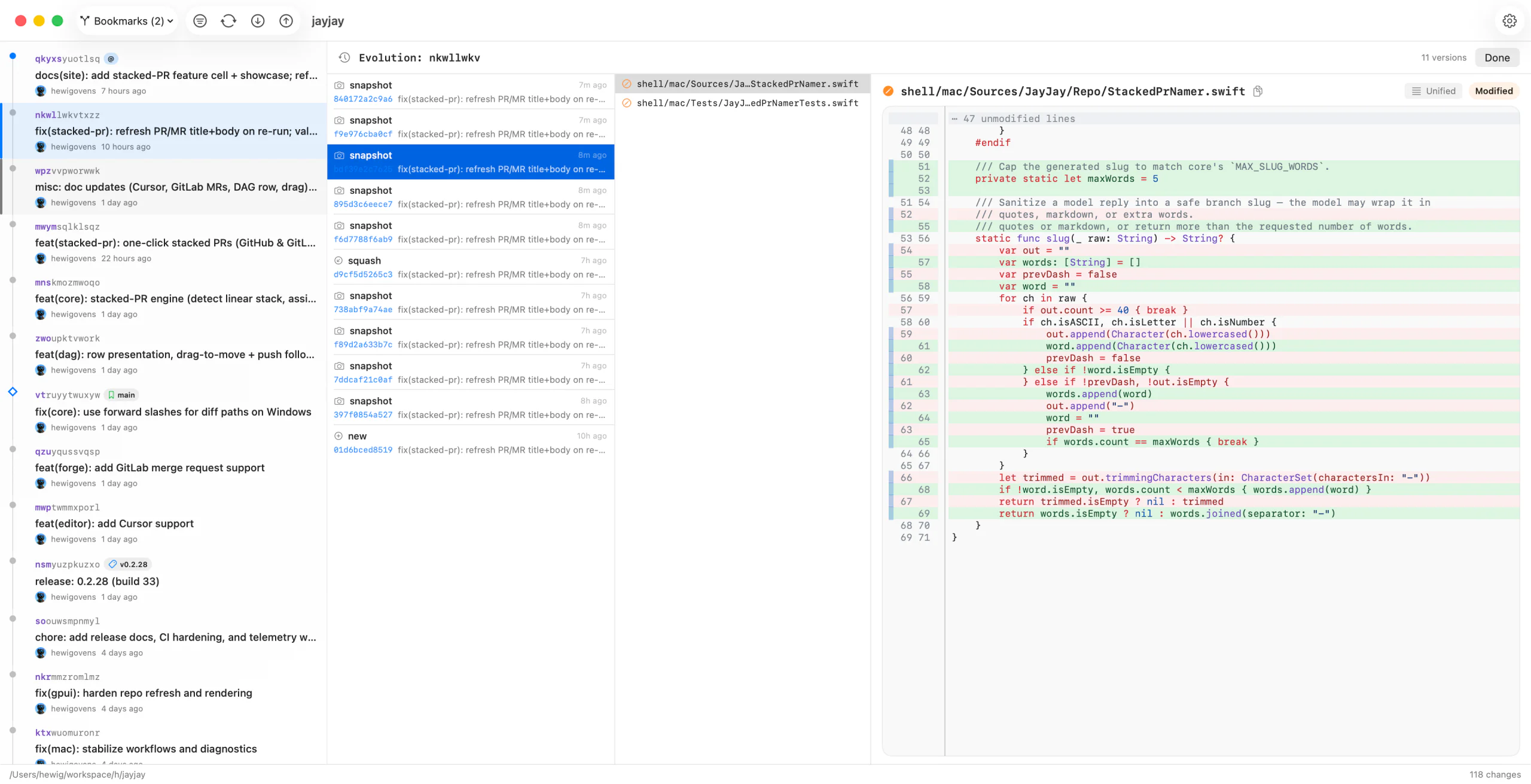
- Change Evolution shows prior versions of a rewritten change with operation labels such as snapshot, describe, rebase, squash, and split. Consecutive working-copy snapshots collapse into one row, and Hide snapshots removes that noise entirely. Select one version for its diff or two versions for an interdiff.
- Right-click an evolution entry to copy its commit id or a
jj restorerecovery command.
Command Palette #
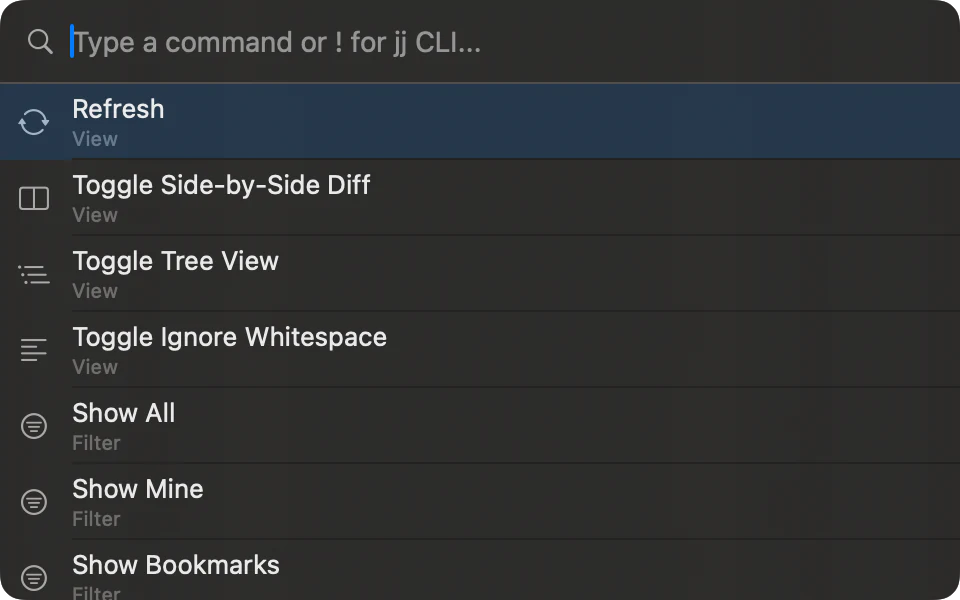
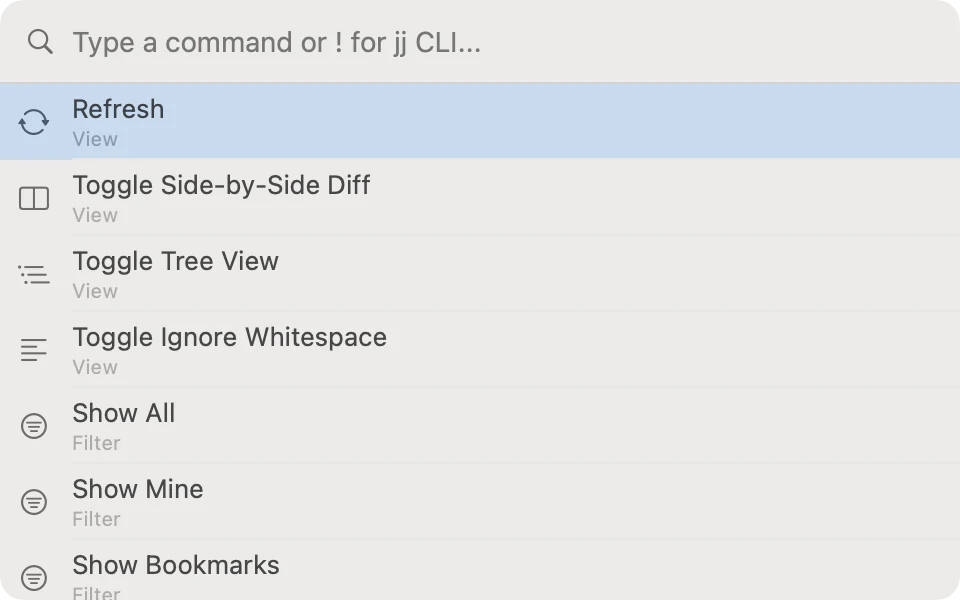
- Open the command palette with
Cmd+Shift+Pand search built-in actions by name. - Type
help <topic>, such ashelp splitorhelp stacked pr, to find local feature help from the bundled guide index. - Type
jj <args>or! <args>to run raw jj commands inline. Output appears inside the palette and can be copied. - Command history is available during the session, so repeated jj commands are easy to recall.
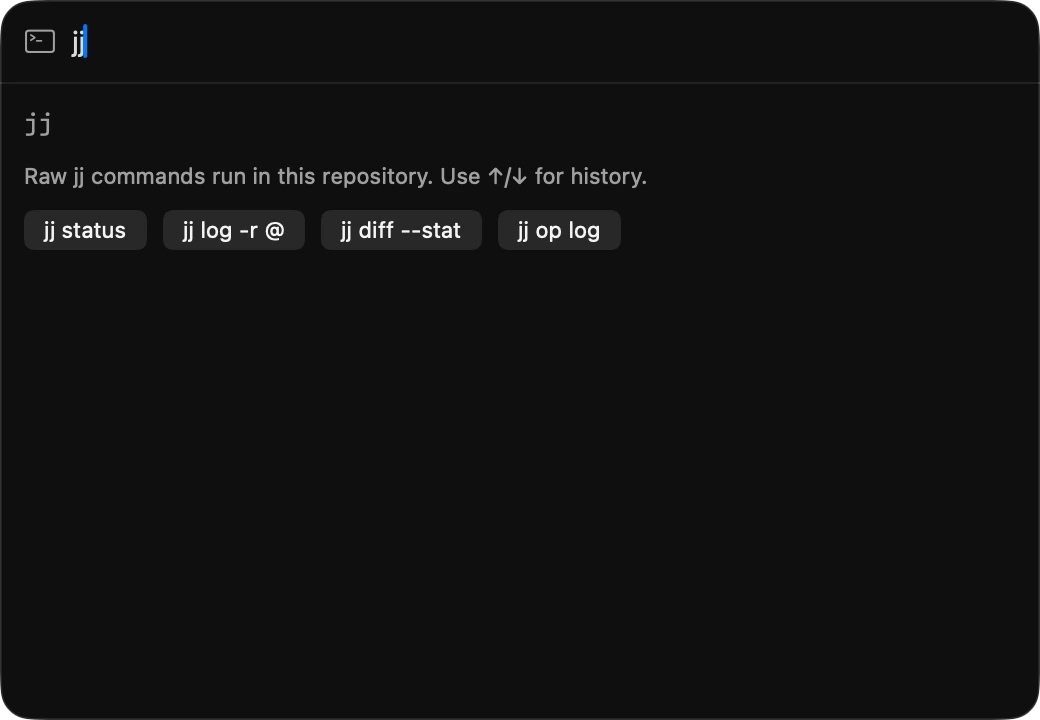
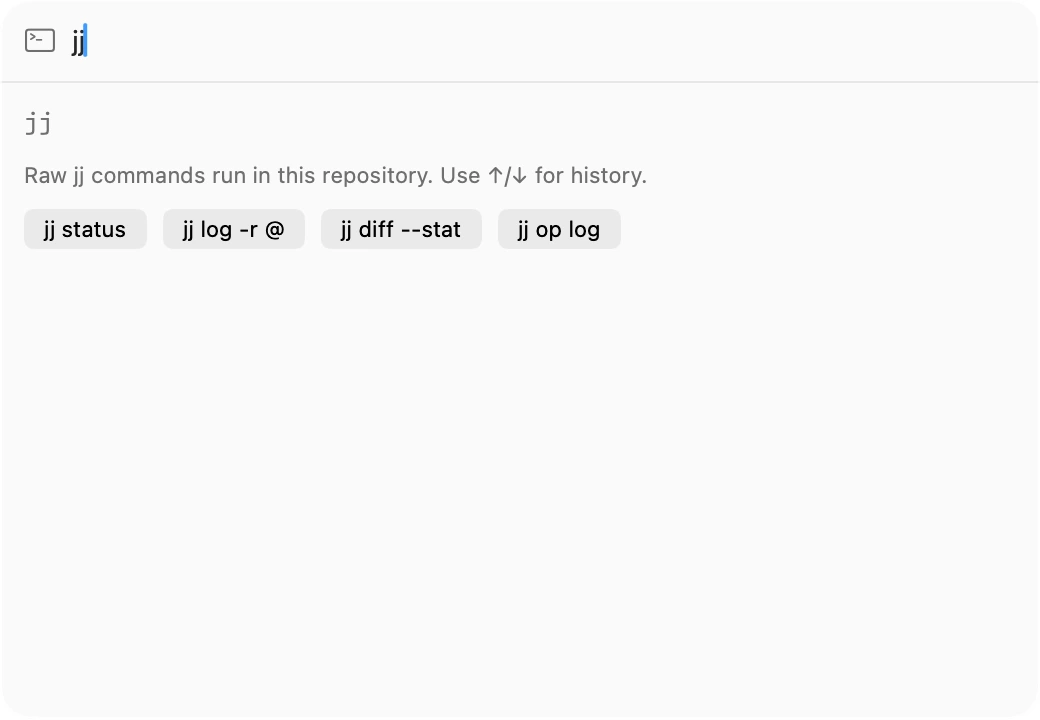
jj or ! to run raw jj commands inline.Tools & Settings #
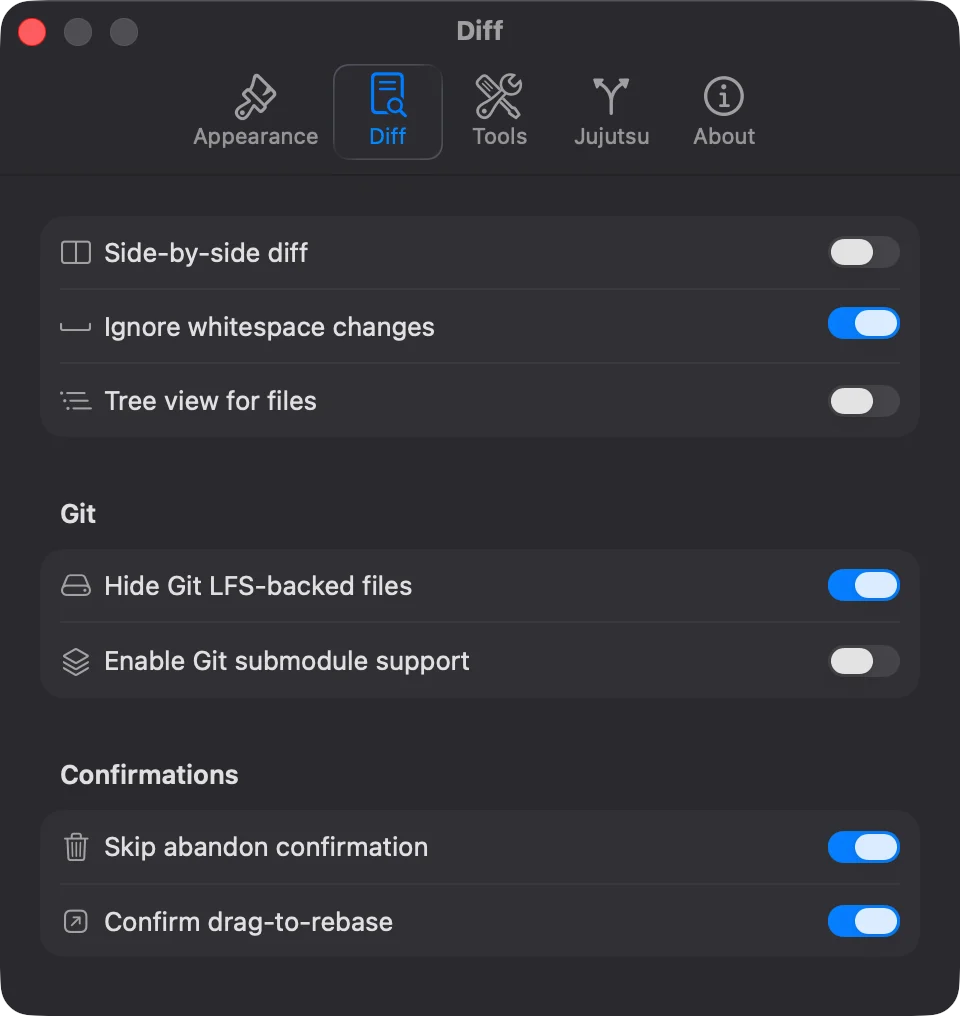
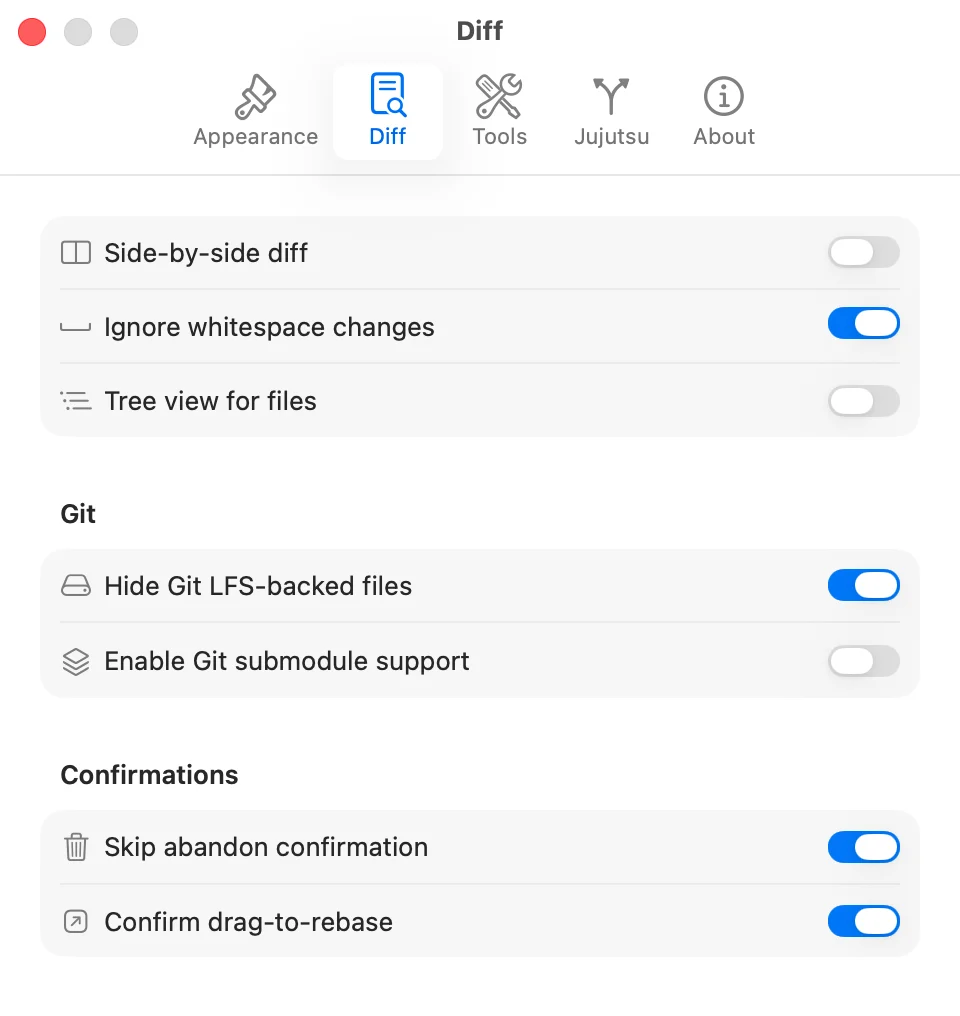
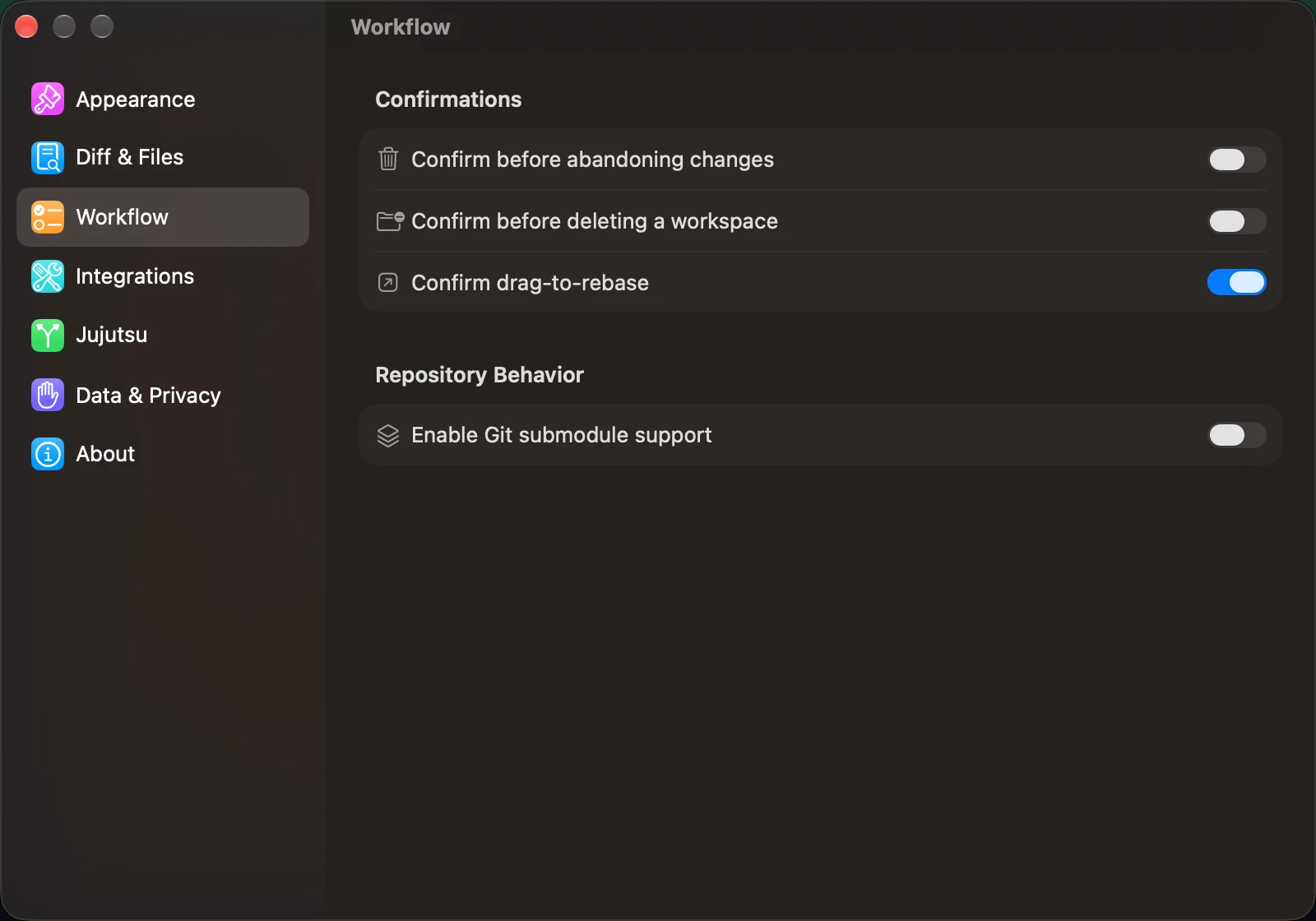
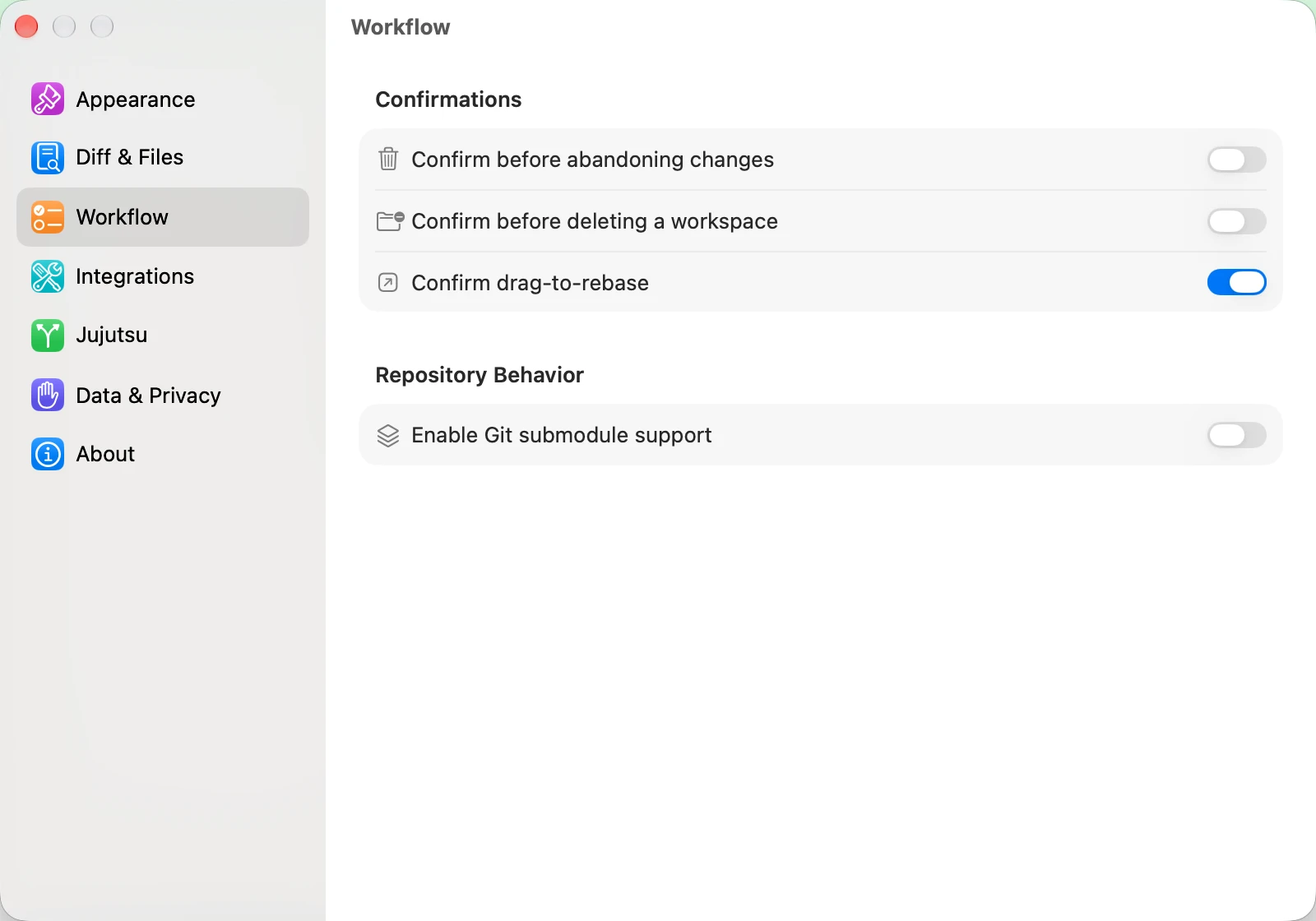
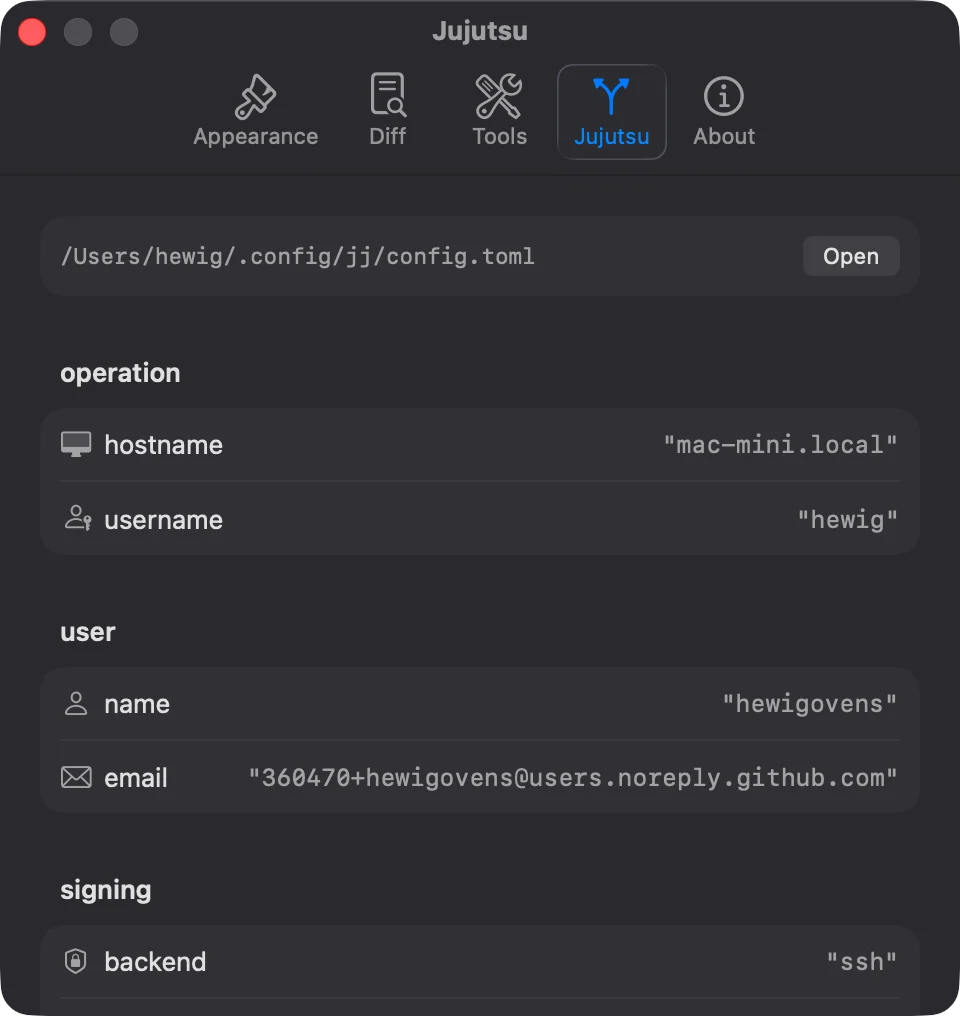
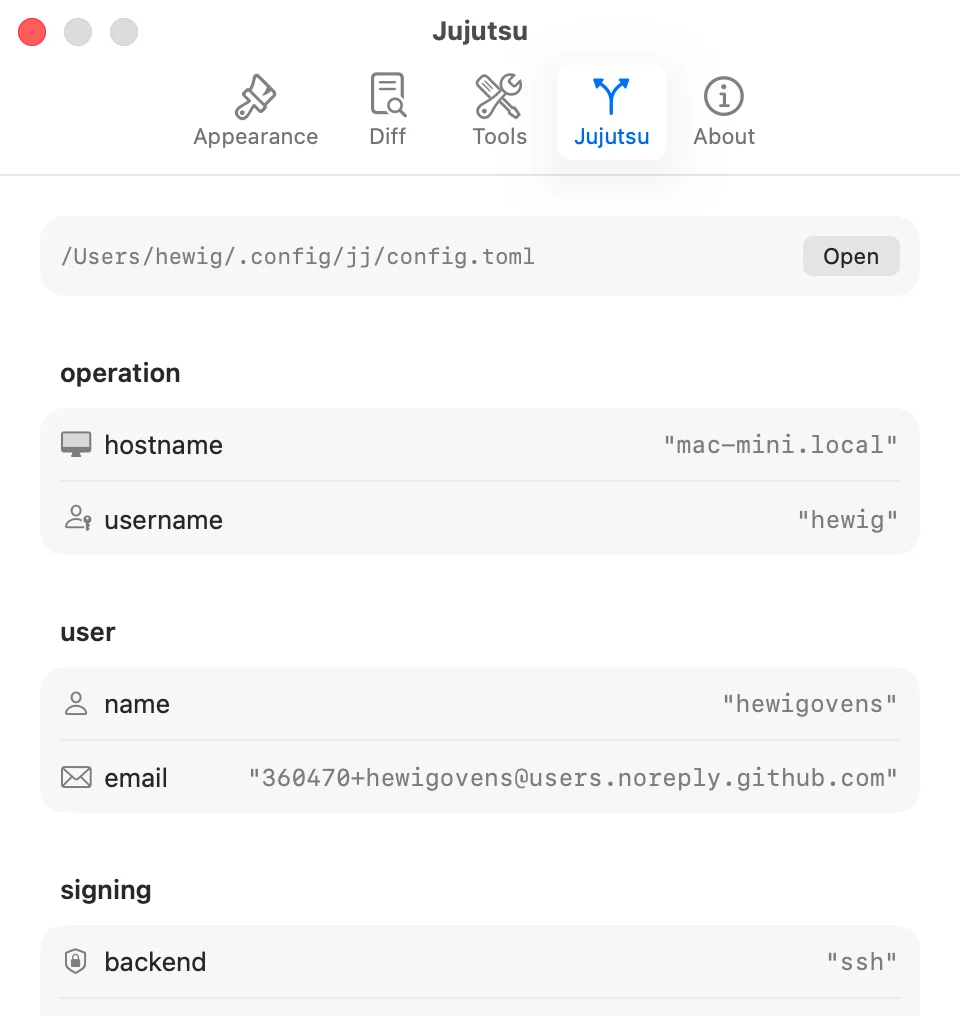
- Settings is organized into Appearance, Diff & Files, Workflow, Integrations, Jujutsu, Data & Privacy, and About pages. JayJay checks command availability in the background, detects supported AI providers, and offers a one-click copy of its jj diff/edit/merge tool configuration.
- Diff & Files holds the diff layout and rendering defaults and Auto-expand descriptions, which opens an overflowing description at its expanded height as soon as a change is selected; the command palette toggles it too. Workflow holds confirmations, including the skipped Forget & Delete prompt.
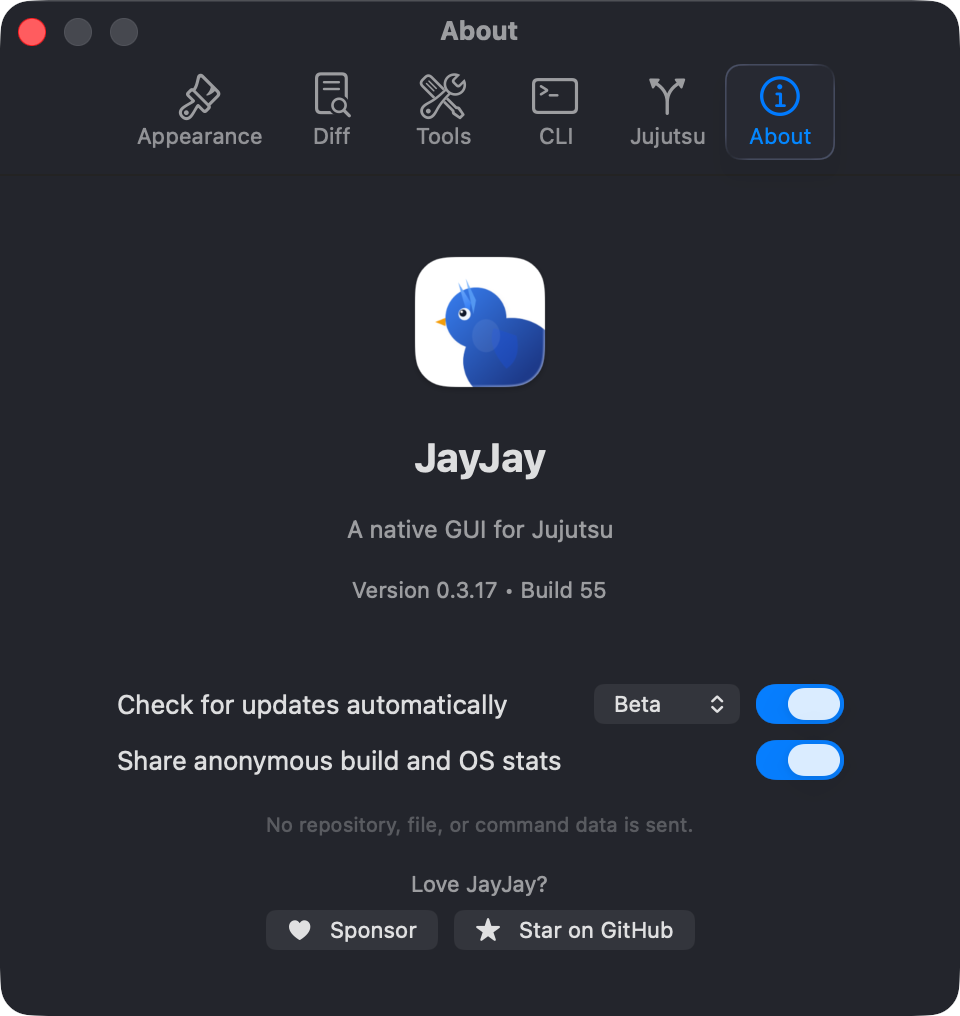
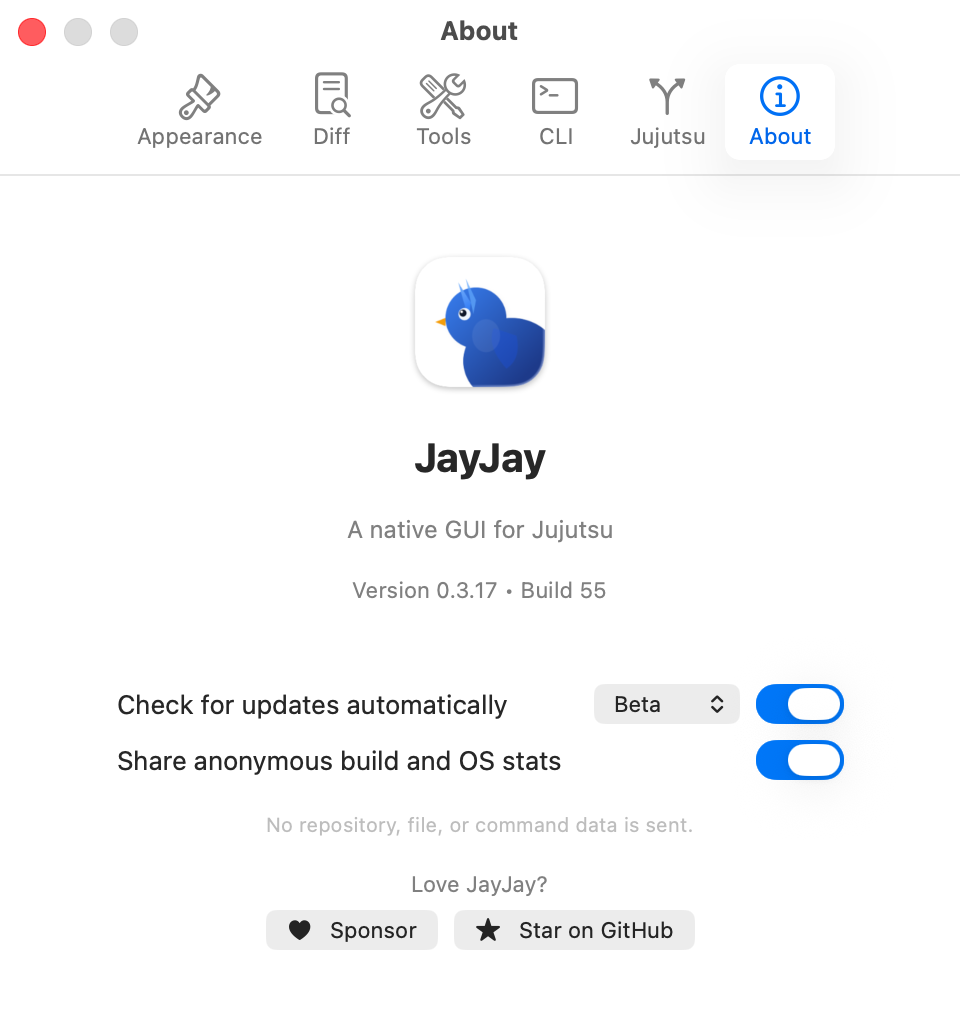
- The update channel dropdown in Settings → About switches between Stable and Beta; the Beta channel receives pre-release builds through the regular update check.
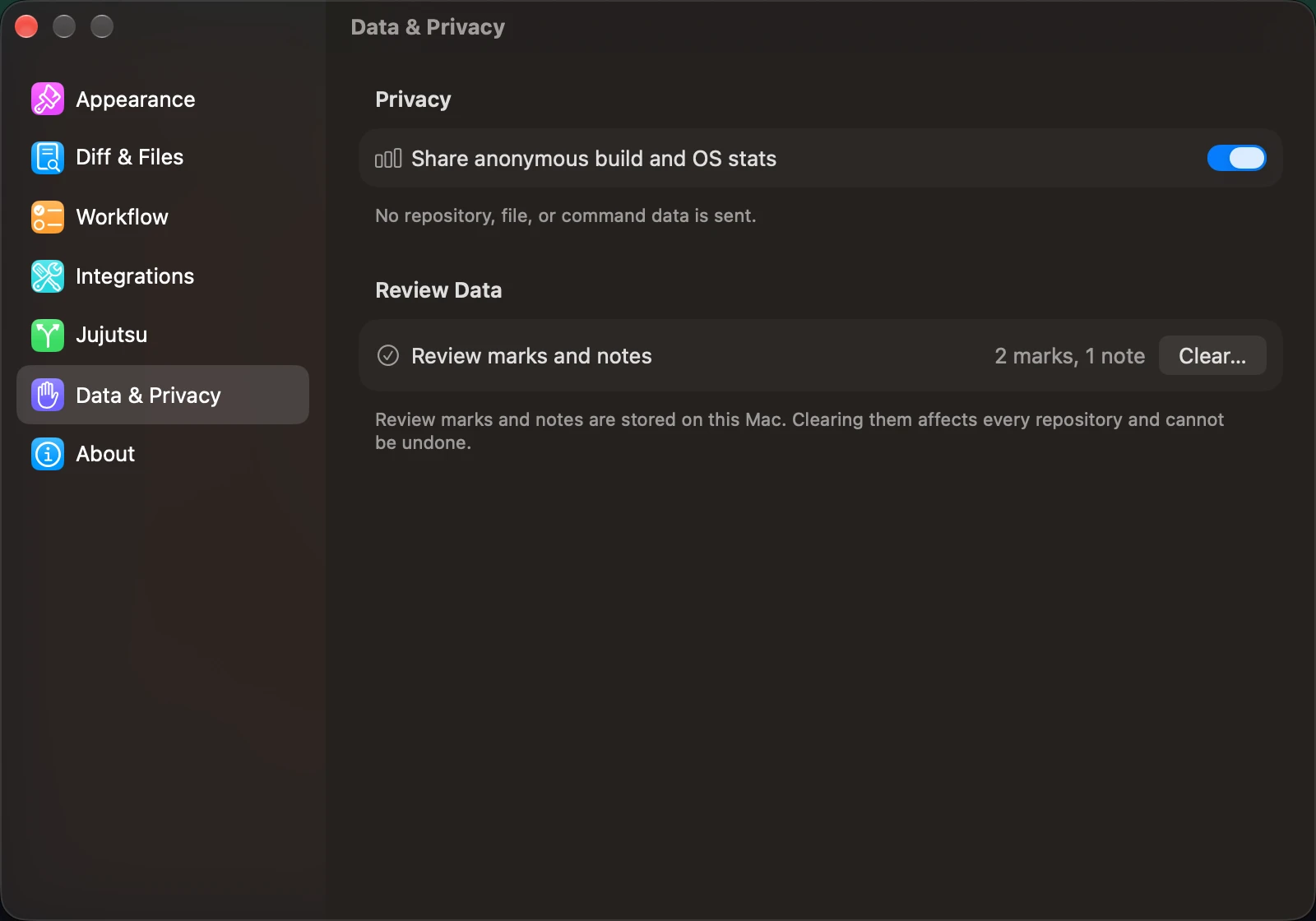
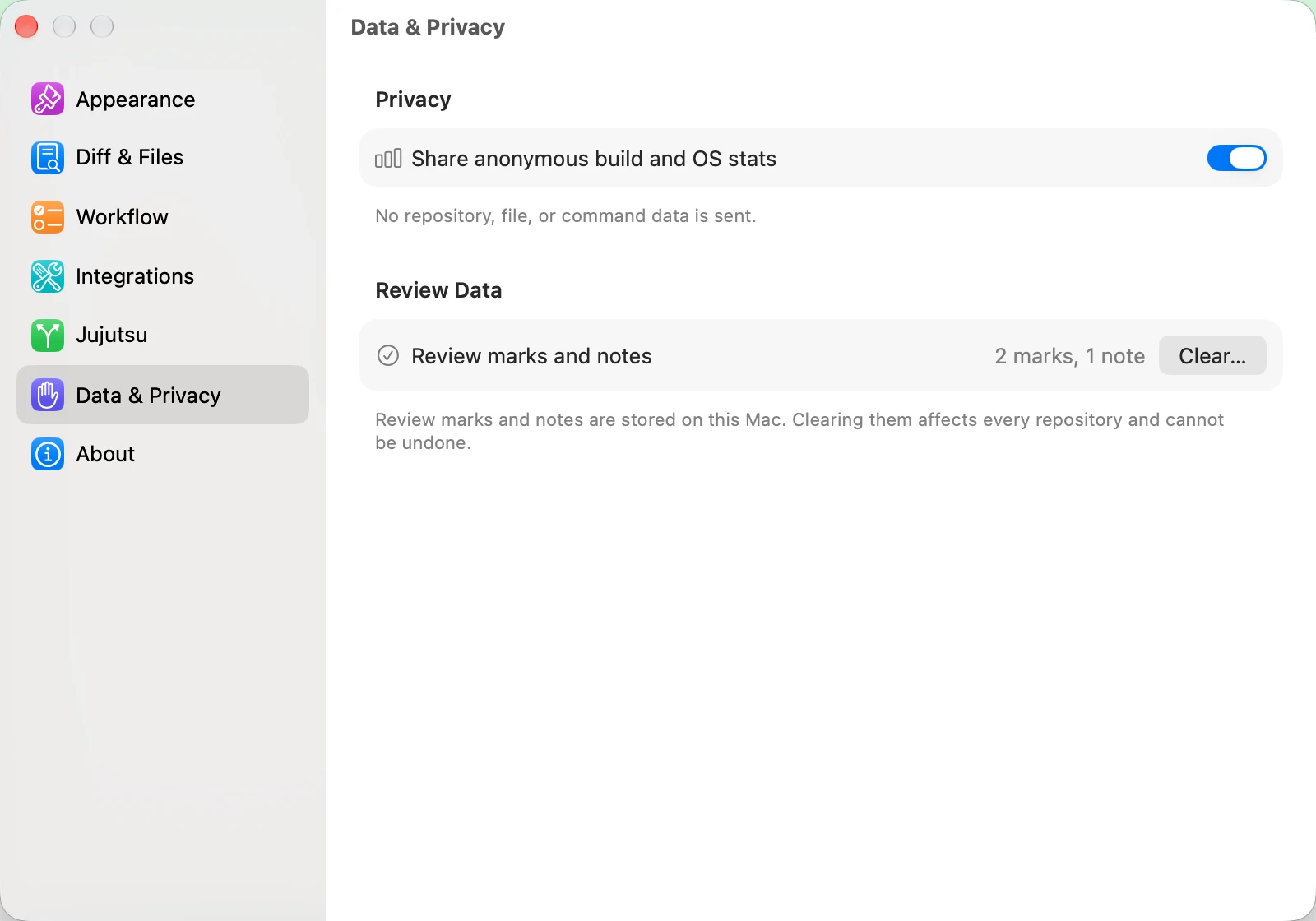
- Anonymous build and OS statistics are enabled by default and can be disabled in Settings. No repository, file, or command data is sent, and rotating identifiers cannot link an installation across months.
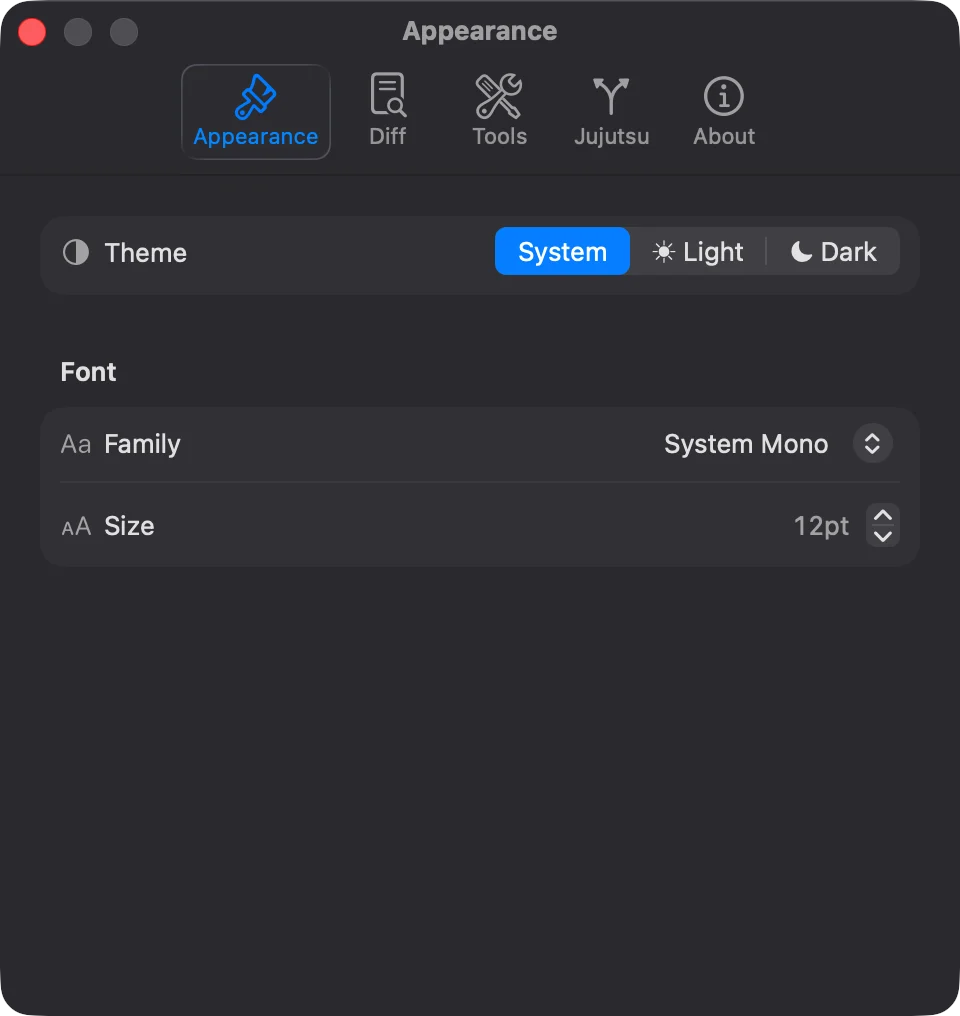
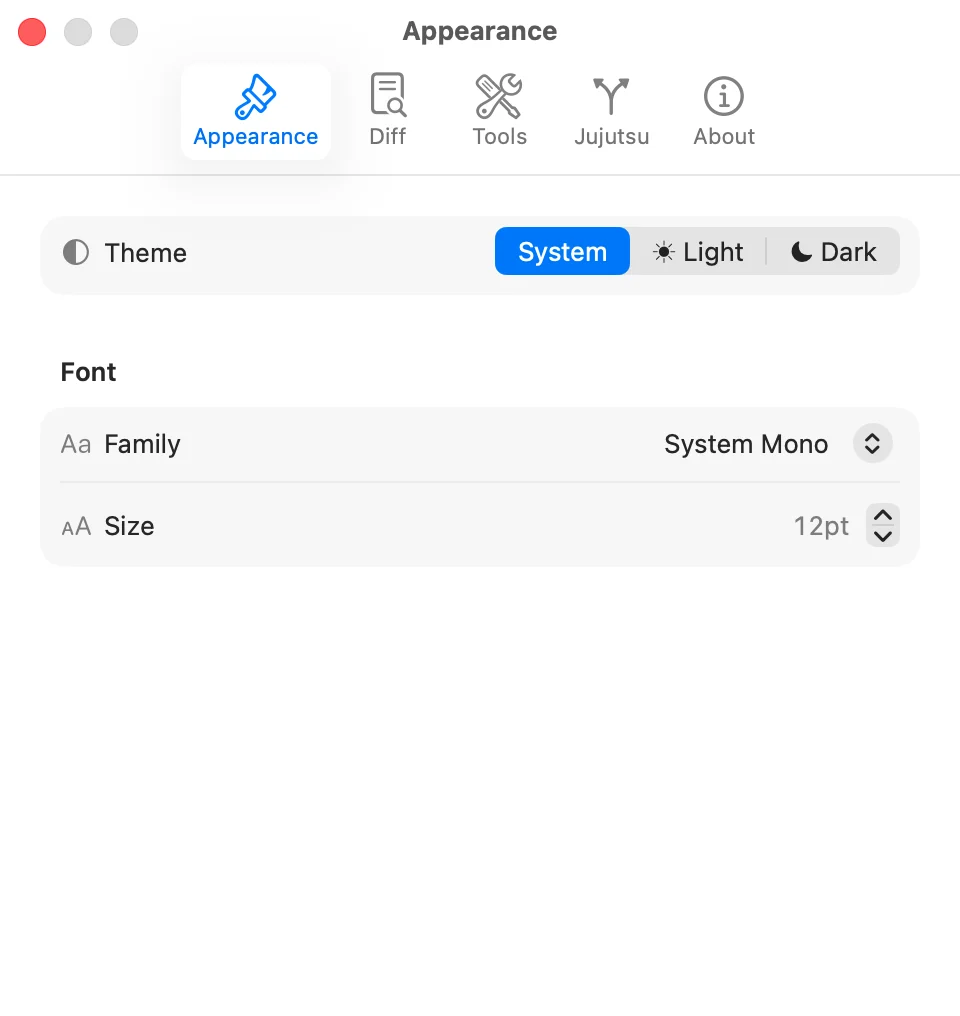
- On macOS, Appearance can disable Tint window background with wallpaper color for a neutral background.
- Pick a font family and adjust zoom with
Cmd++,Cmd+-, andCmd+0. - Open files in external editors such as VS Code, VSCodium, Cursor, Zed, Xcode, or Vim. Cursor launches with
--classicso it opens in editor mode rather than its agent window. - Open terminals such as Terminal.app, iTerm2, or Ghostty at the repository path.
- Integrations holds editor, terminal, and AI commit-message providers together with the version-control and forge CLIs (
jayjay,jj,gh,glab,origin). Jujutsu shows your jj user config, or Config not found and jj is not installed when there is nothing to show. - Data & Privacy shows the number of stored review marks and notes, can clear them for every repository after confirmation, and holds the statistics switch.
- Commit avatars can come from GitHub or Gravatar. Multi-window mode keeps one window per repository and deduplicates URL-scheme launches.
- Choose Help > Send Feedback to email us. The Help menu also opens the bundled JayJay Help Book, the full web user guide, jj documentation, and issue reporting.
GPUI Shell #
Download the Linux AppImage for your architecture from GitHub Releases, make it executable, and launch it; beta assets are on the corresponding pre-release page.
On Arch Linux (x86_64 and aarch64), use the signed pacman repo instead so stable upgrades arrive with the rest of your system. One command trusts the key, adds the repo, and prompts for a full system upgrade and installation:
curl -fsSL https://jayjay.hewig.dev/install.sh | bash -s -- --pacman-repoPrefer reviewable steps? Trust the key once, append the repo to /etc/pacman.conf if it is not already present, then install:
curl -fsSL https://pkgs.hewig.dev/arch/jayjay-packages.asc -o /tmp/jayjay-packages.asc
sudo pacman-key --add /tmp/jayjay-packages.asc
sudo pacman-key --lsign-key BA65B3D77235F76AAA32AE1EC6D21FA837FDEFEF
if ! grep -q '^\[jayjay\]' /etc/pacman.conf; then
  sudo tee -a /etc/pacman.conf >/dev/null <<'EOF'

[jayjay]
SigLevel = Required DatabaseOptional
Server = https://pkgs.hewig.dev/arch/$arch
EOF
fi
if pacman -Q jayjay-appimage >/dev/null 2>&1; then
  sudo pacman -Syu
else
  sudo pacman -Syu jayjay-appimage
fi
The repo carries stable releases only, for x86_64 and aarch64; a beta installed with pacman -U is correctly left in place until the repo's stable version is newer.
- To build from source, run
just gpuiorjust gpui /path/to/repo. - GPUI's current parity target is Linux. Its macOS build is for development and is not expected to duplicate every SwiftUI integration; the released macOS app remains SwiftUI.
- Current GPUI coverage includes graph browsing, multi-change selection and batch actions, diffs, resizable image comparisons, file history, annotate, evolog, file and per-hunk review with notes, a Bookmark Manager with rename and the SwiftUI row actions, a Remote Only section in the bookmark picker, drag-and-drop rebase and bookmark moves in the DAG, filterable repository/workspace and bookmark pickers, a grouped repository list with a collapsible Recent side panel and Forget and Forget & Delete, filesystem refresh, command palette, raw jj commands, searchable help topics that open this guide, a platform-aware keyboard-shortcut reference window, native appearance tracking with light and dark themes tuned to the macOS app, Tab focus cycling with an accent ring on the focused control, readable jj and git errors in every window, the same seven Settings pages as macOS, the interface font-size setting, SVG previews, rendered Markdown previews with inline images, HTML external open, diff text selection/copy, file multi-select, workspace windows, New Workspace from Pull Request, a history sidebar that hides and shows from the View menu, diff-header line counts, synchronized and line-numbered conflict panes, a Linux
jayjaycommand-line install in Settings > CLI, system default editor and terminal choices that honor$VISUAL,$EDITOR, and$TERMINAL, editable custom tool commands, a typed-path fallback when no desktop file picker is available, launching into the workspace that contains the current directory or the most recent one as a detached process (--foregroundkeeps it in the terminal), and desktop notifications when a fetch or push finishes in an inactive window. - Write coverage includes the full DAG change-operation menu (edit, squash, rebase, merge, duplicate, absorb, revert, abandon, and new change), description-aware commit and Describe flows, AI-generated messages via the codex or claude CLIs, direct split and move-to-working-copy actions for historical files, syntax-highlighted working-copy file editing, working-copy file commit and batch actions, workspaces, review notes, conflict resolution including Use Ours and Use Theirs for submodule and other non-text conflicts, and the dedicated multi-file Diff Edit destinations.
- Remaining GPUI work is tracked in the GPUI checklist.
Keyboard Shortcuts #
| Cmd+Shift+P | Command palette |
| Cmd+F | Find in diff |
| Cmd+R | Refresh |
| Cmd+O | Open repository |
| Cmd+/ | Keyboard Shortcuts reference |
| Cmd++ / Cmd+- / Cmd+0 | Zoom in, zoom out, reset zoom |
| Cmd+Shift+B | Bookmark Manager |
| Cmd+Shift+U | Undo from jj operation log |
| Cmd+S | Save the current description or working-copy file edit |
| Space | Toggle selected file reviewed |
| Tab / Shift+Tab | Move focus through panes and controls; Space or Return activates, Esc returns to the pane |
| Cmd+Option+E / Cmd+Option+C | Diff edit: expand or collapse all files |
| j/k or ↑/↓, ←/→, Return | Diff edit: move between file cards; collapse, expand, or toggle the focused card; Space selects it |
| Shift+Click | Compare two revisions |
| j / k | Move through graph rows |
| Ctrl+N / Ctrl+P | Move to next or previous item |
On the GPUI Linux shell, use Ctrl instead of Cmd as the primary modifier (for example, Ctrl+/).
↑ Back to top